

What is Microsoft Teams?
Microsoft Teams is an all-in-one tool for teamwork, combining messaging, meetings, and file sharing in a single place for easy collaboration. Whether it’s chatting, video calls, or sharing documents, Teams makes working together effortless.How it works
1
Link your Fillout form to Teams
Click 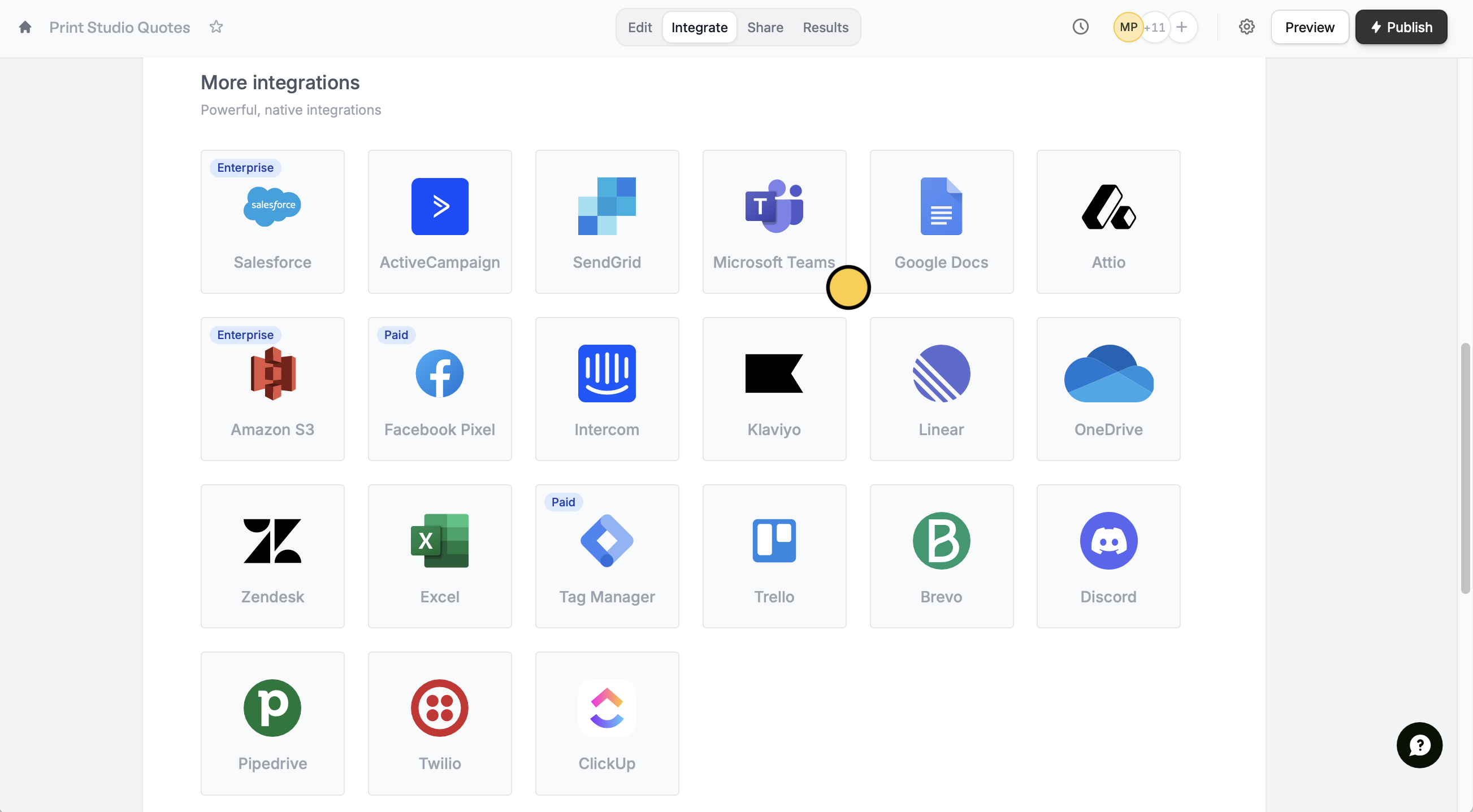
Integrate on the top menu followed by Microsoft Teams.Accept to allow Fillout to send notifications to your channels in Teams.2
Choose a channel
Select a Team followed by a Channel where you want notifications to be sent to.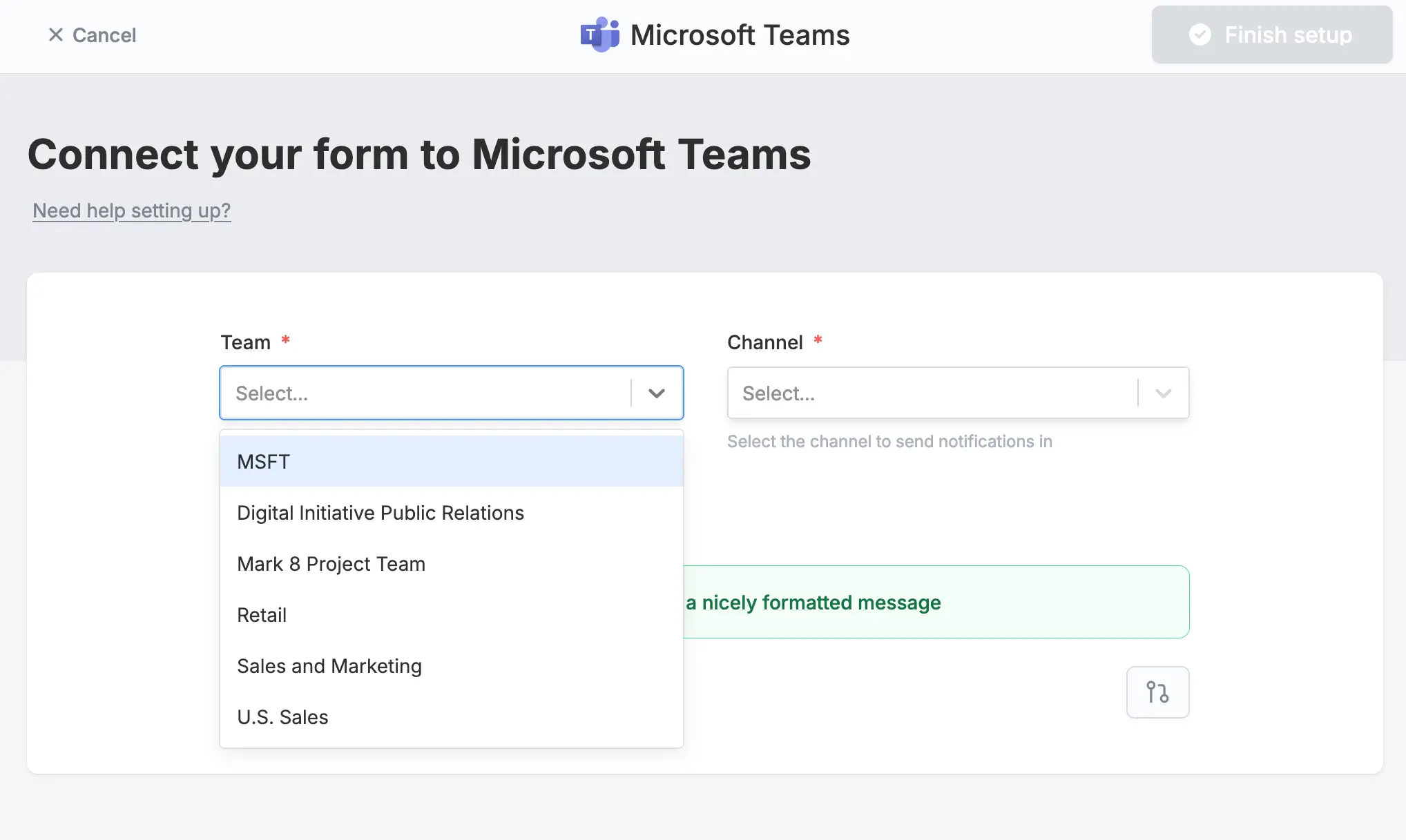
Message formatting
Send all fields (recommended)
By default, form submissions will be sent in a nicely summarized format to your chosen channel.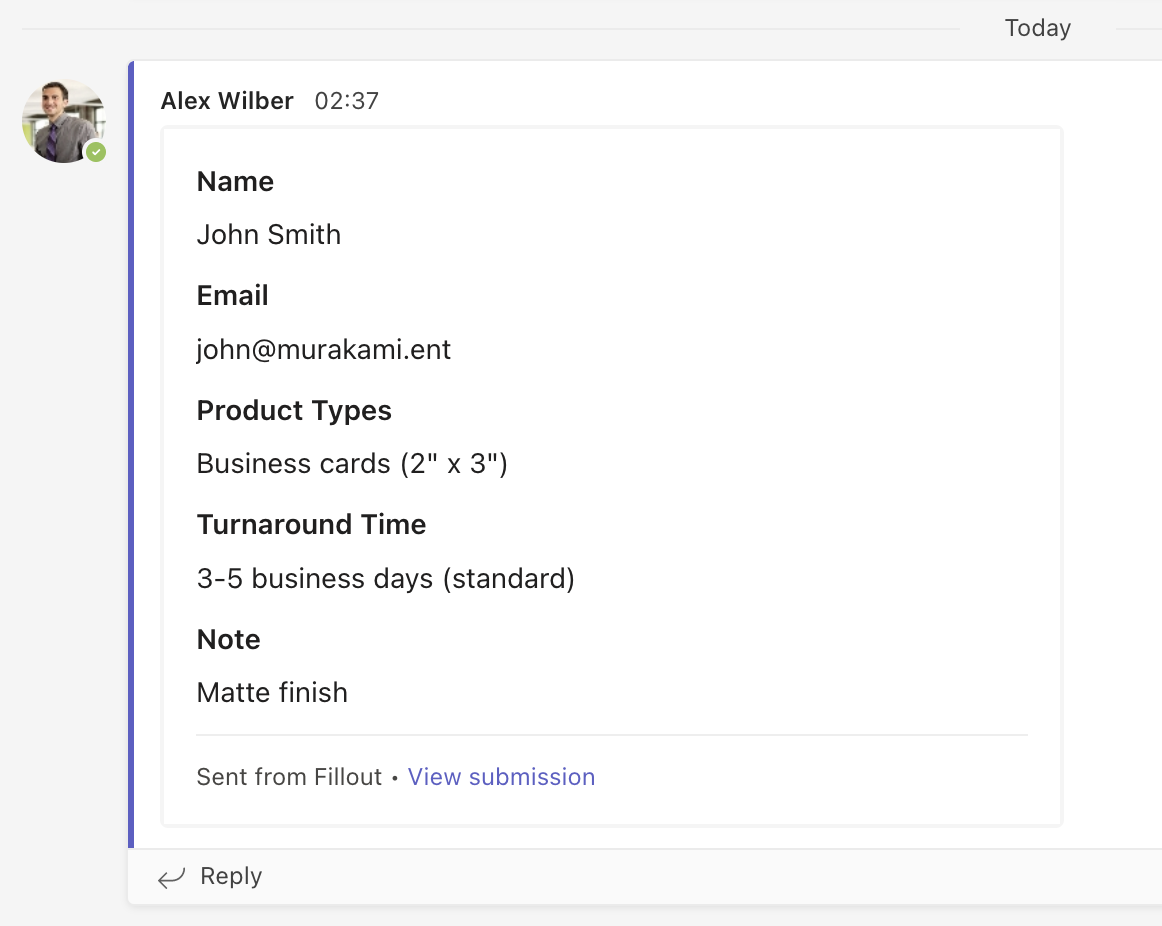
Custom message
Edit the default message and choose which fields will appear in your Teams notification. Reference fields in your form by clicking or typing @.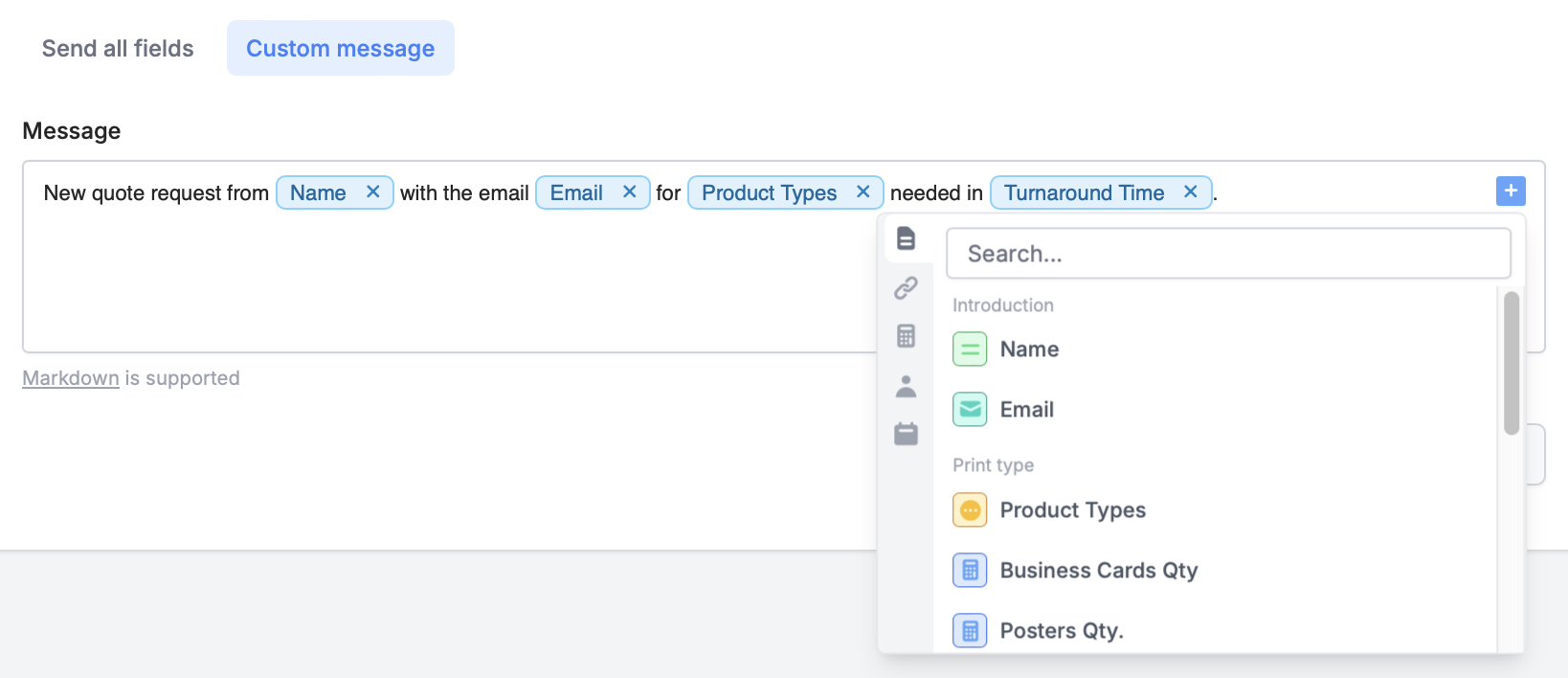
Specify a condition
You can run your integration only when a specific condition is met. Check out this guide.Other similar integrations
Send messages to Slack
Get response summaries on Slack.
Send messages to Discord channels
Get response summaries on Discord.
Send submissions to a webhook
Send to automation tools or any endpoint.