

What is Discord?
Discord is a communication platform designed for creating communities, where users can chat via text, voice, and video, often organized around specific topics or interests.How it works
1
Connect your Fillout form to Discord
Open your form or create a new one in Fillout. Click 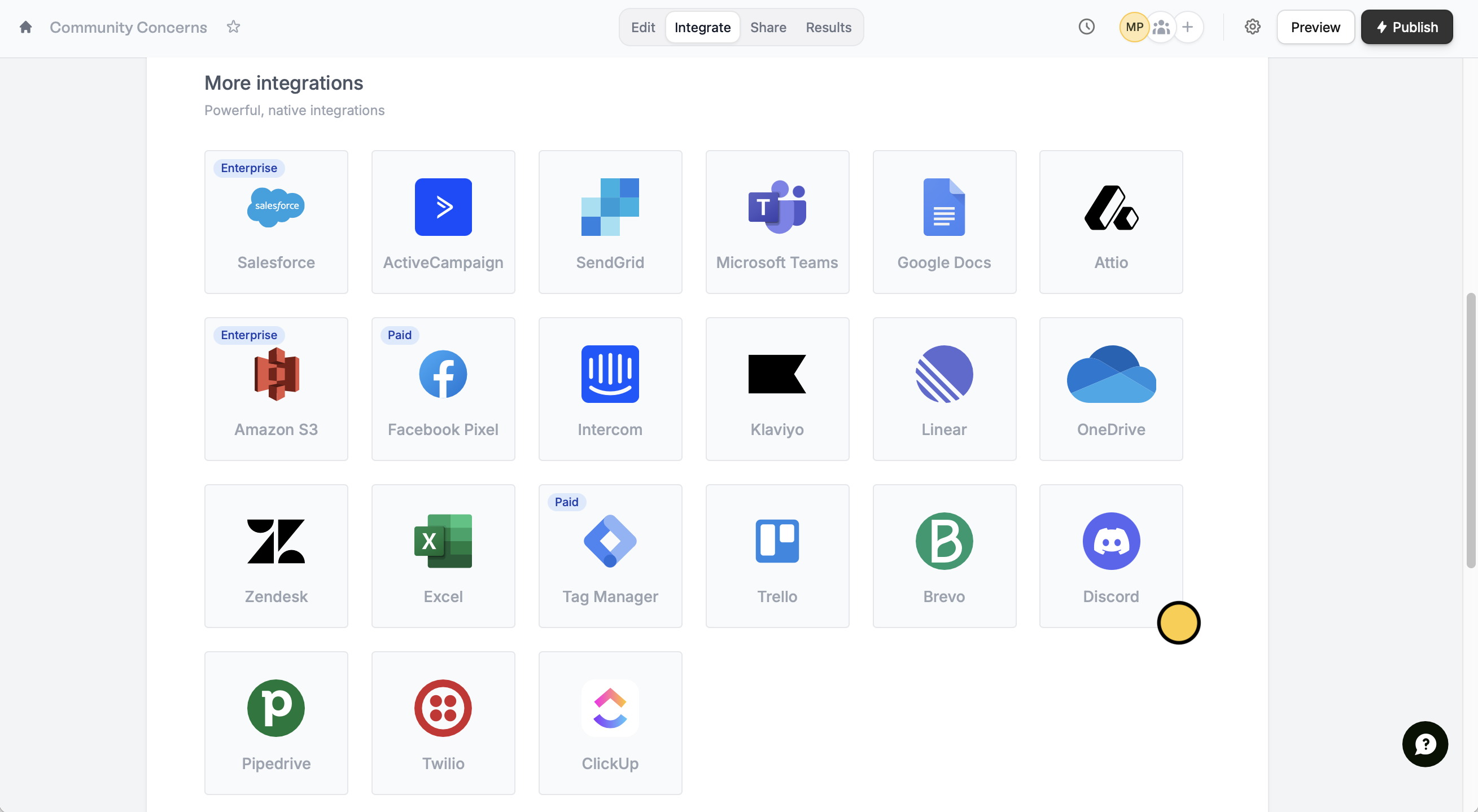
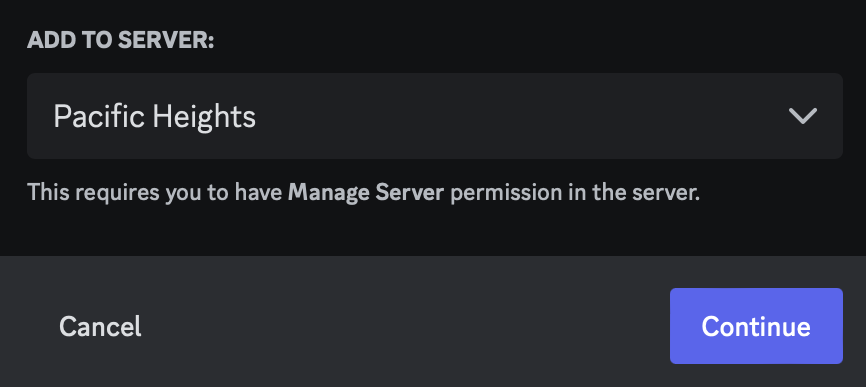
Integrate from the top menu and look for Discord.Authorize access. Then, choose a server from the dropdown menu to Continue.2
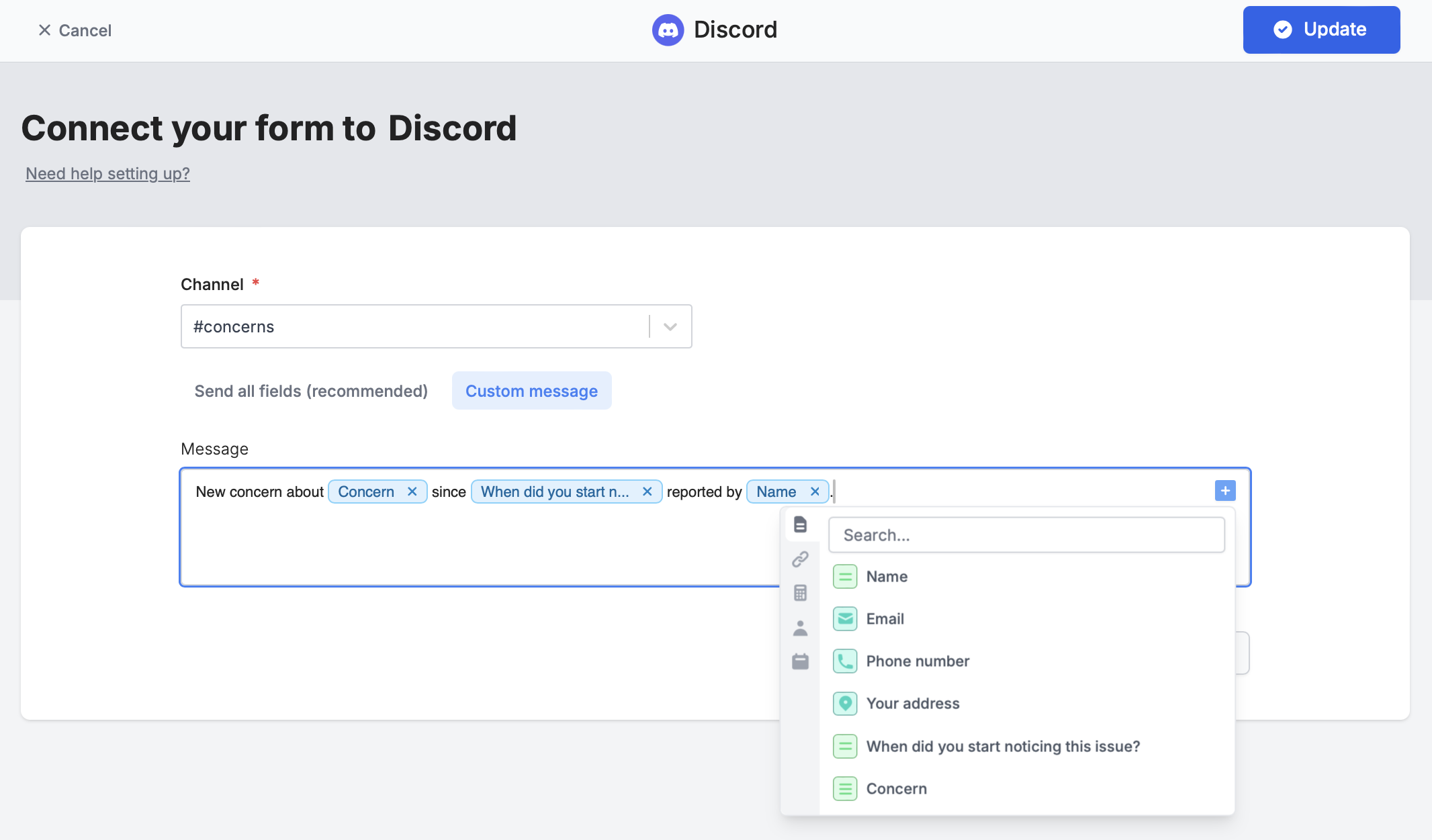
Select a channel
Choose a channel to send messages to and your preferred message formatting. 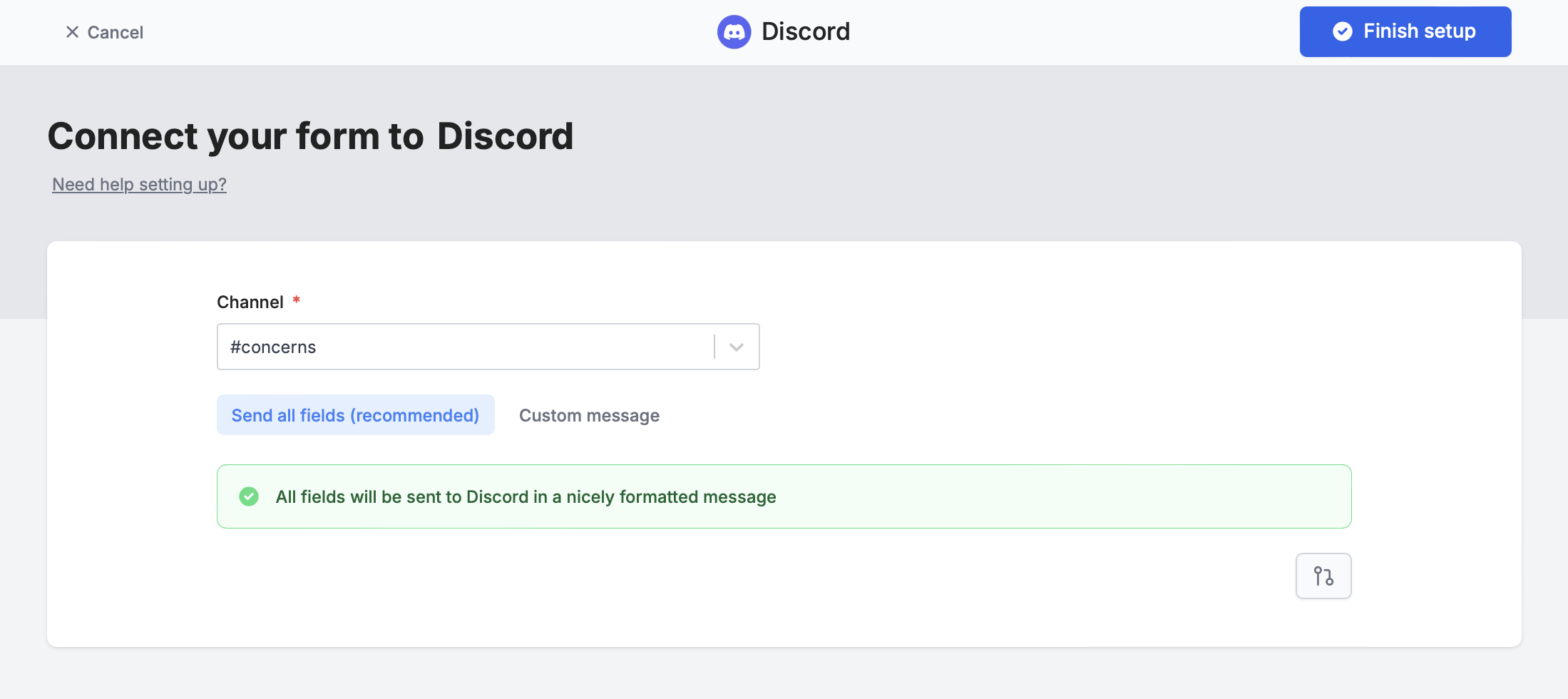
Finish setup to test your form and Publish it.3
Publish and share
That’s it! Now every time your form is submitted, you’ll get a notification on your chosen Discord channel.
Publish your form and share or embed it anywhere.Message formatting
Send all fields (recommended)
By default, form submissions are summarized and sent to your channel.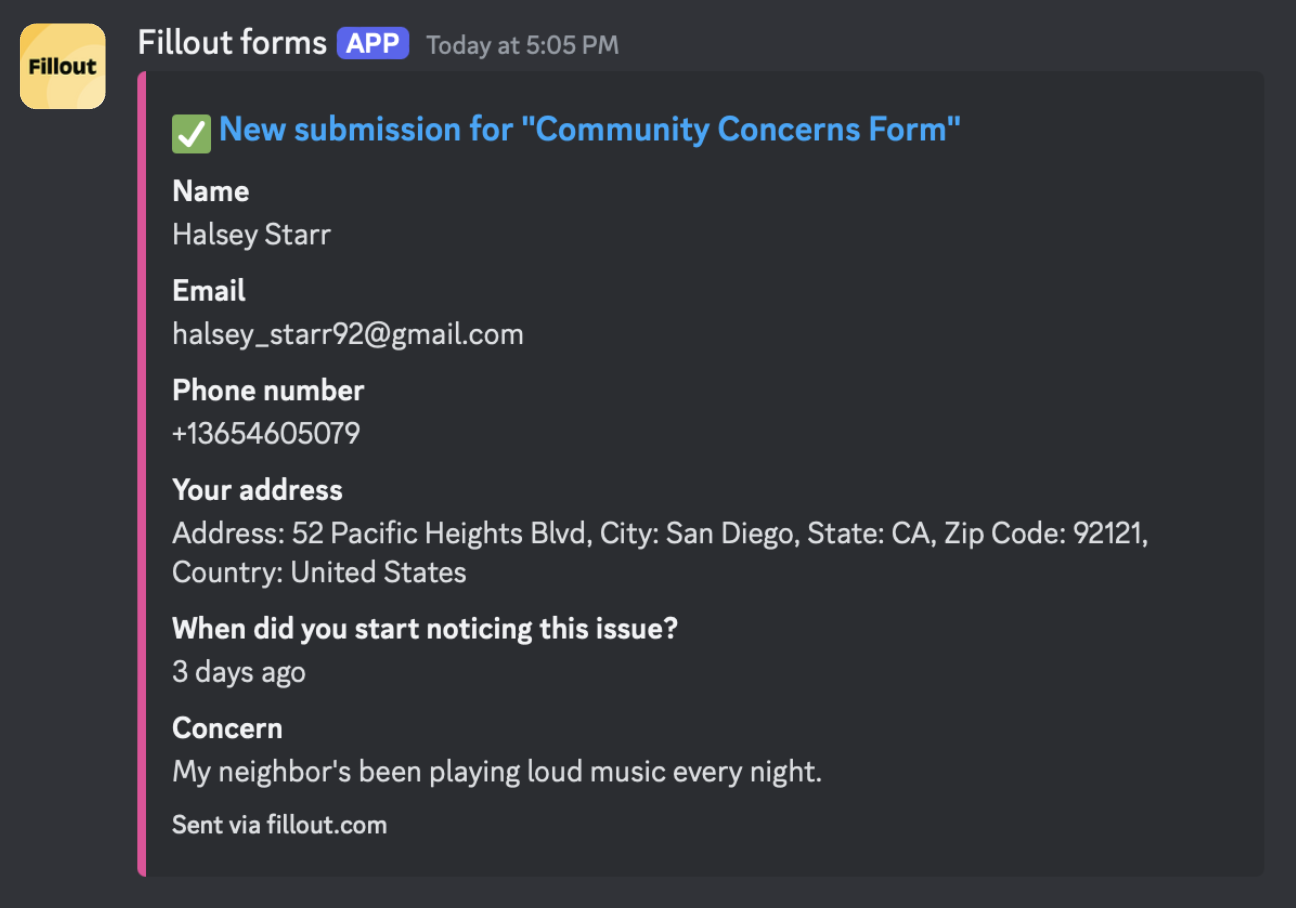
Custom message
You can tailor the default message to display only selected fields. Simply click theplus icon on the right side or type @ to choose specific fields or other values.
Specify a condition
Opt to run your integration only when a specific condition is met. Check out this guide.Other similar integrations
Send messages to Slack
Get response summaries on Slack.
Send Microsoft Teams notifications
Get response summaries on Teams.
Send submissions to a webhook
Send to automation tools or any endpoint.