

What is Klaviyo?
Klaviyo is an e-commerce marketing platform that helps businesses manage and optimize their email and SMS marketing efforts to drive sales and customer engagement.How it works
1
Link your Fillout form to Klaviyo
Open your form, then go to 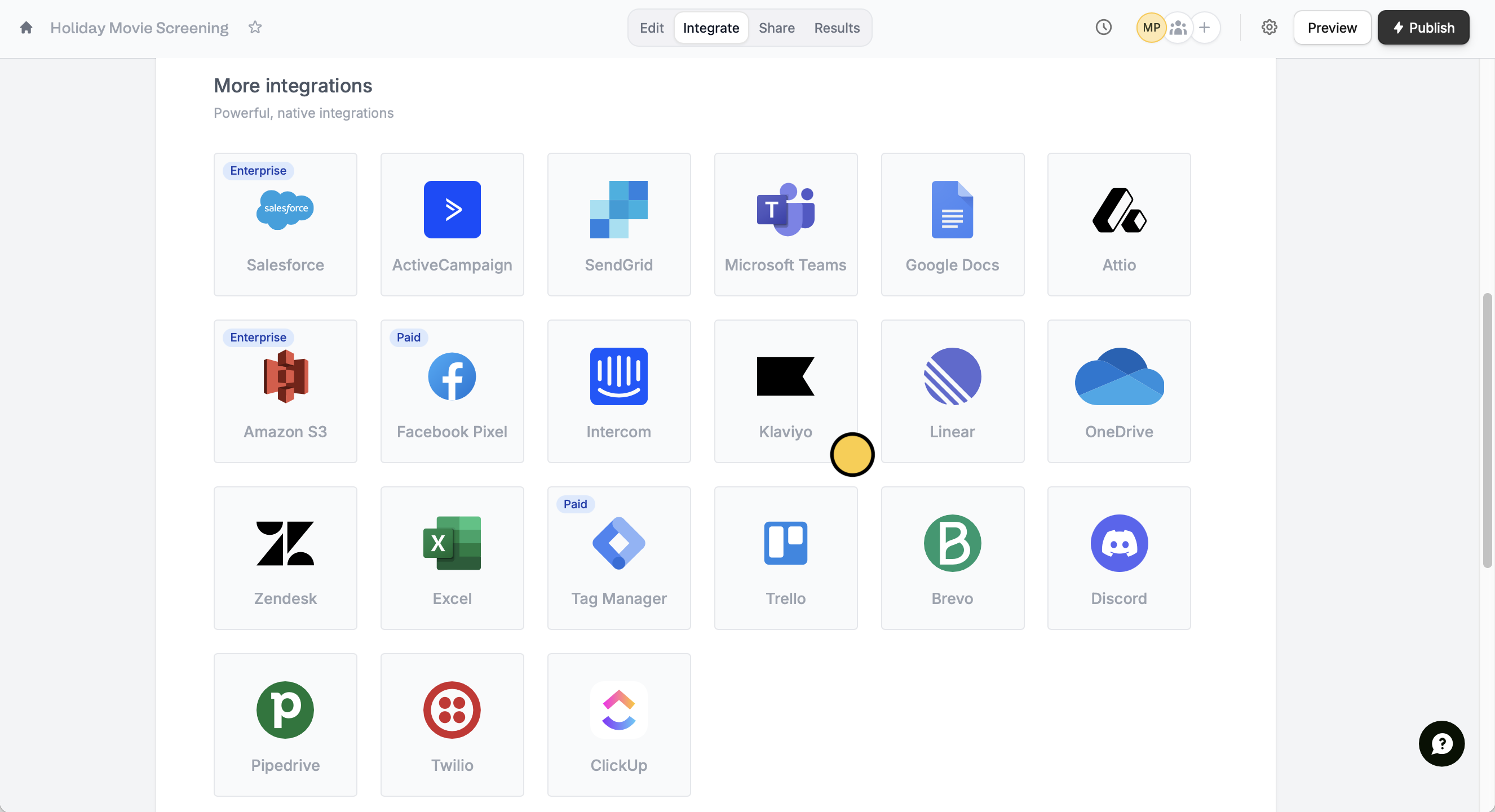
Integrate and click Klaviyo.When creating your form, make sure to set the email, name, and other fields you would like to link to your Klaviyo list to required.
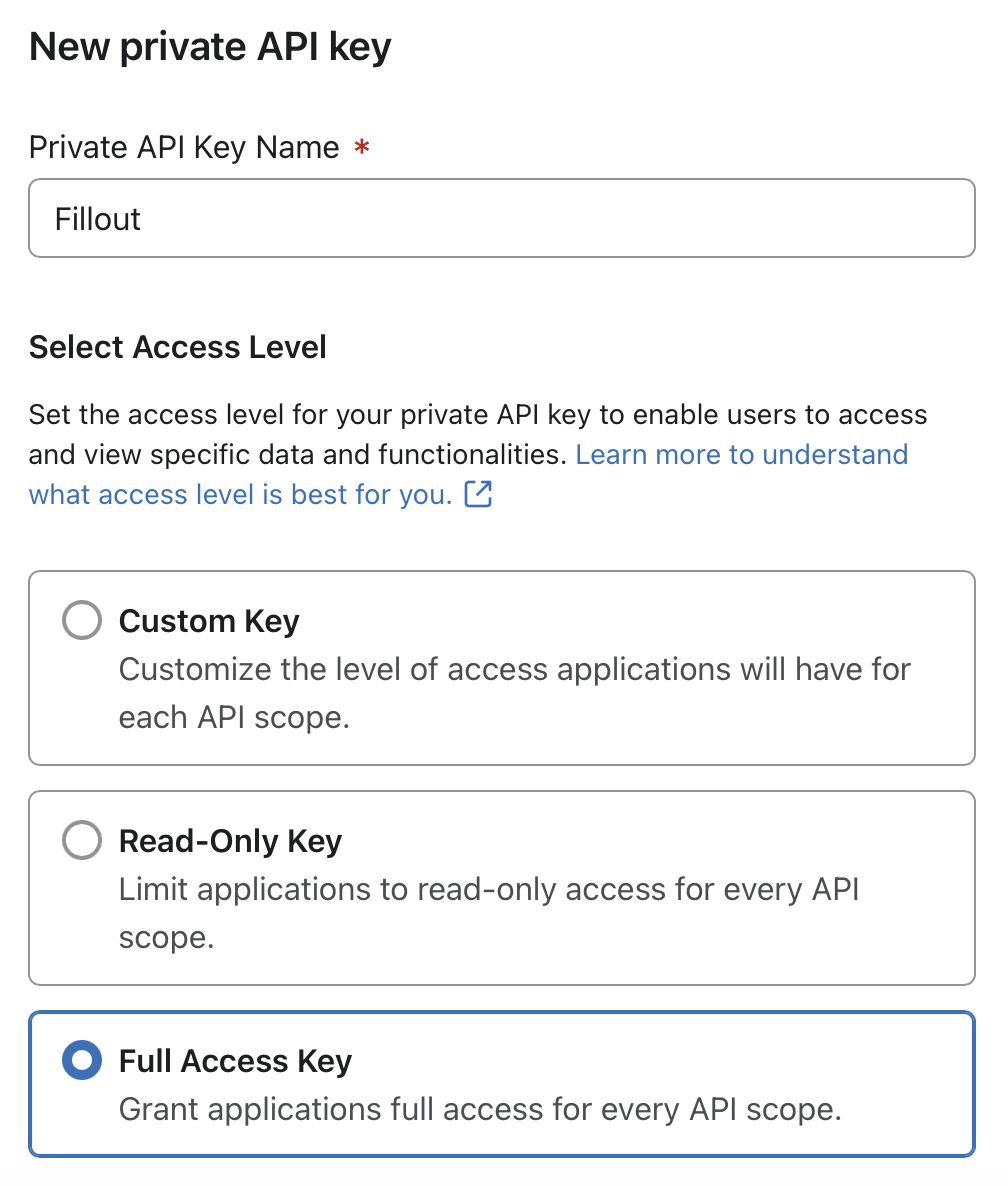
Create Private API Key in the new tab. Enter a name and choose Full Access Key.2
Map your form fields
Match the fields in your Fillout form to the corresponding fields in your Klaviyo audience. For example, link the email address to its respective field.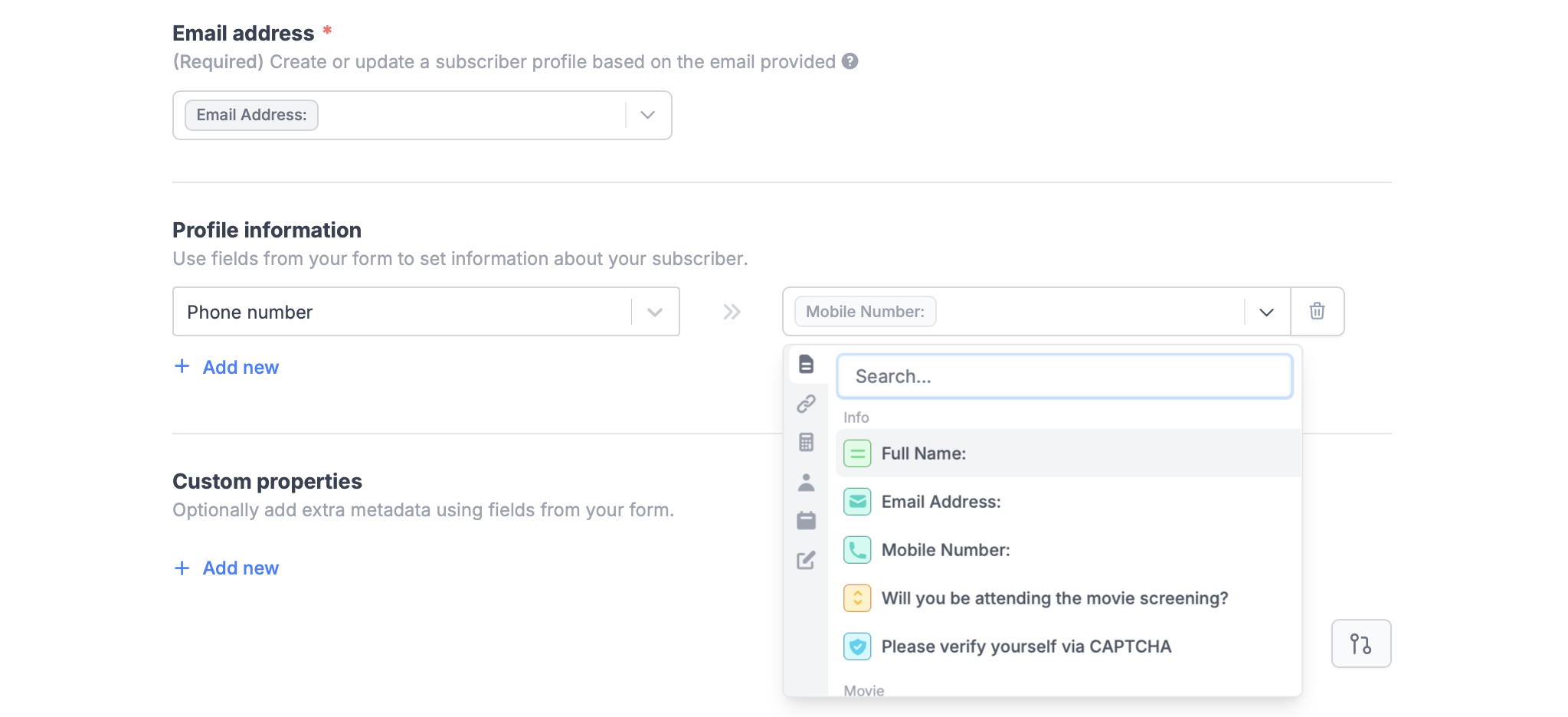
3
Publish and share
Once everything is set, click
Finish setup on the upper right corner followed by Publish.That’s it! Answers to mapped fields from new submissions will now appear in your Klaviyo audience list.If a contact with the provided email address already exists, Fillout will automatically update the existing contact’s information.
Add custom properties
You can add extra metadata using other fields in your form using the same steps above. For example, we’ll match “Special diet” to “Do you or any of your guests have dietary preferences?”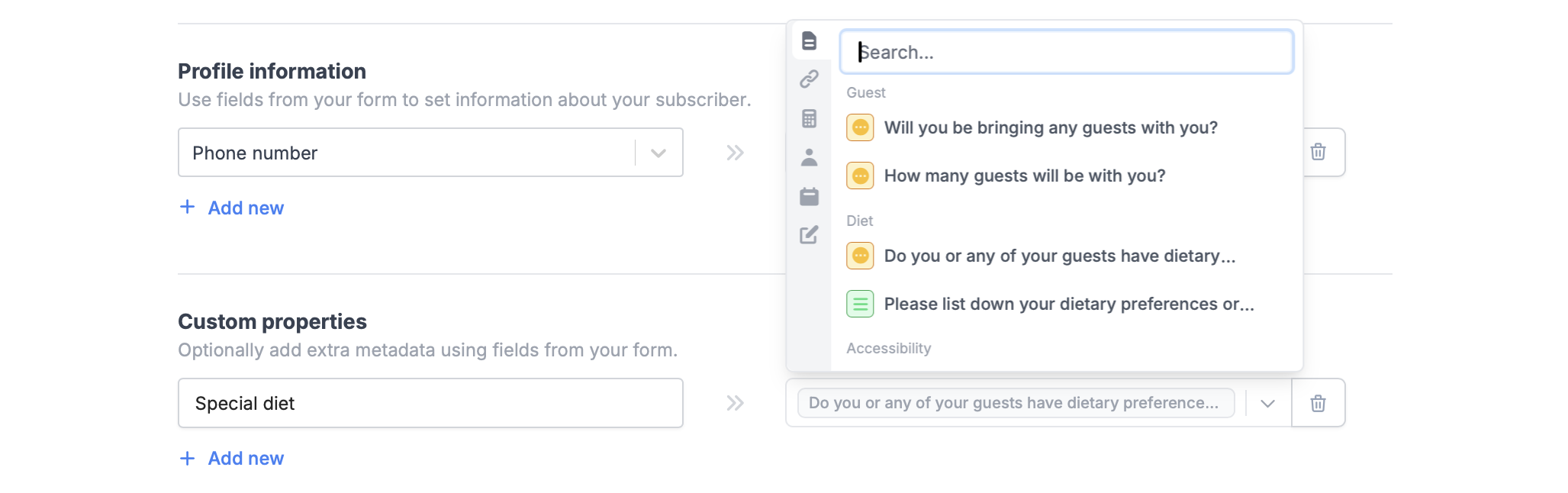
Publish after making any changes to the integration.
Specify a condition
You can run your integration only when a specific condition is met. Check out the quick guide here.Related articles
Integration logic
Perform an integration only when a certain condition is met.
Condition groups
Show or hide fields based on multiple conditions at once.
Calculations
Calculate prices for order forms, compute quiz scores, and more.