

What is Relay.app?
Relay.app is a tool that lets you automate workflows across different apps, with the option to involve a human in the process. Each automation or Workflow consists of a trigger, an action that kicks off your workflow, and steps, which are actions performed after a trigger.How it works
1
Connect your Relay.app with Fillout
Sign up or log in to your Relay.app account. On the left-hand panel, click 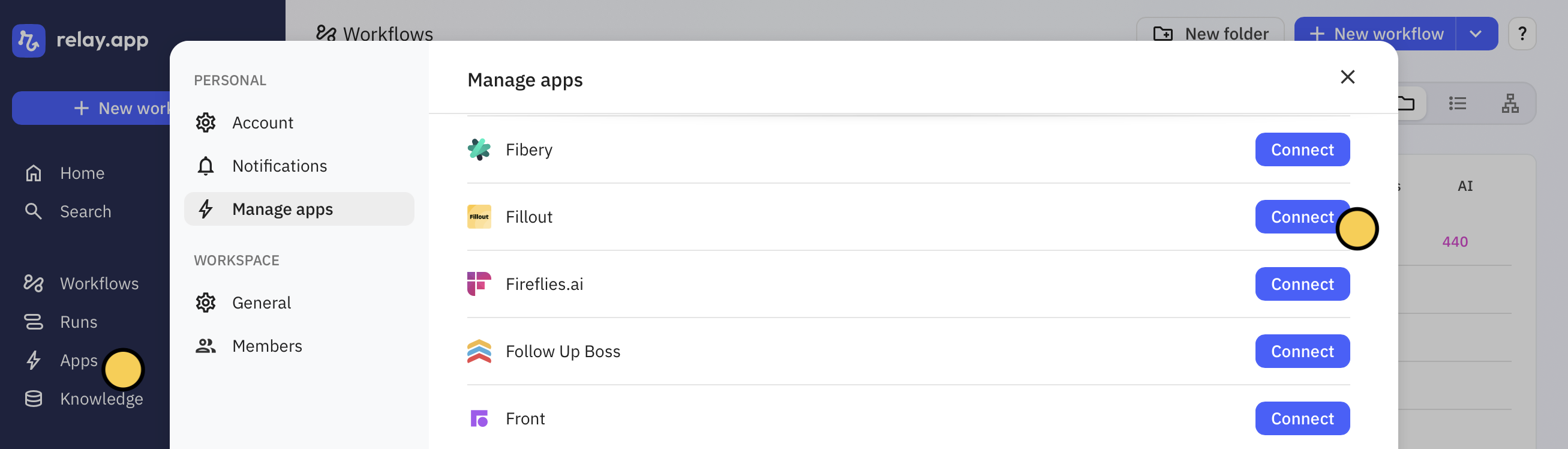
Apps to Connect your Fillout account.2
Create a workflow
Go back to the home page, and click 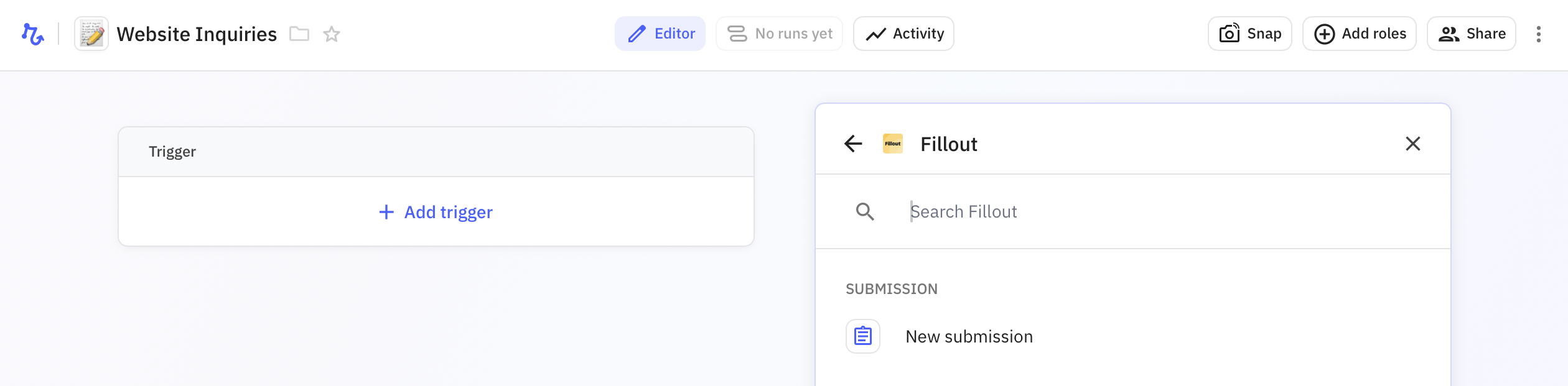
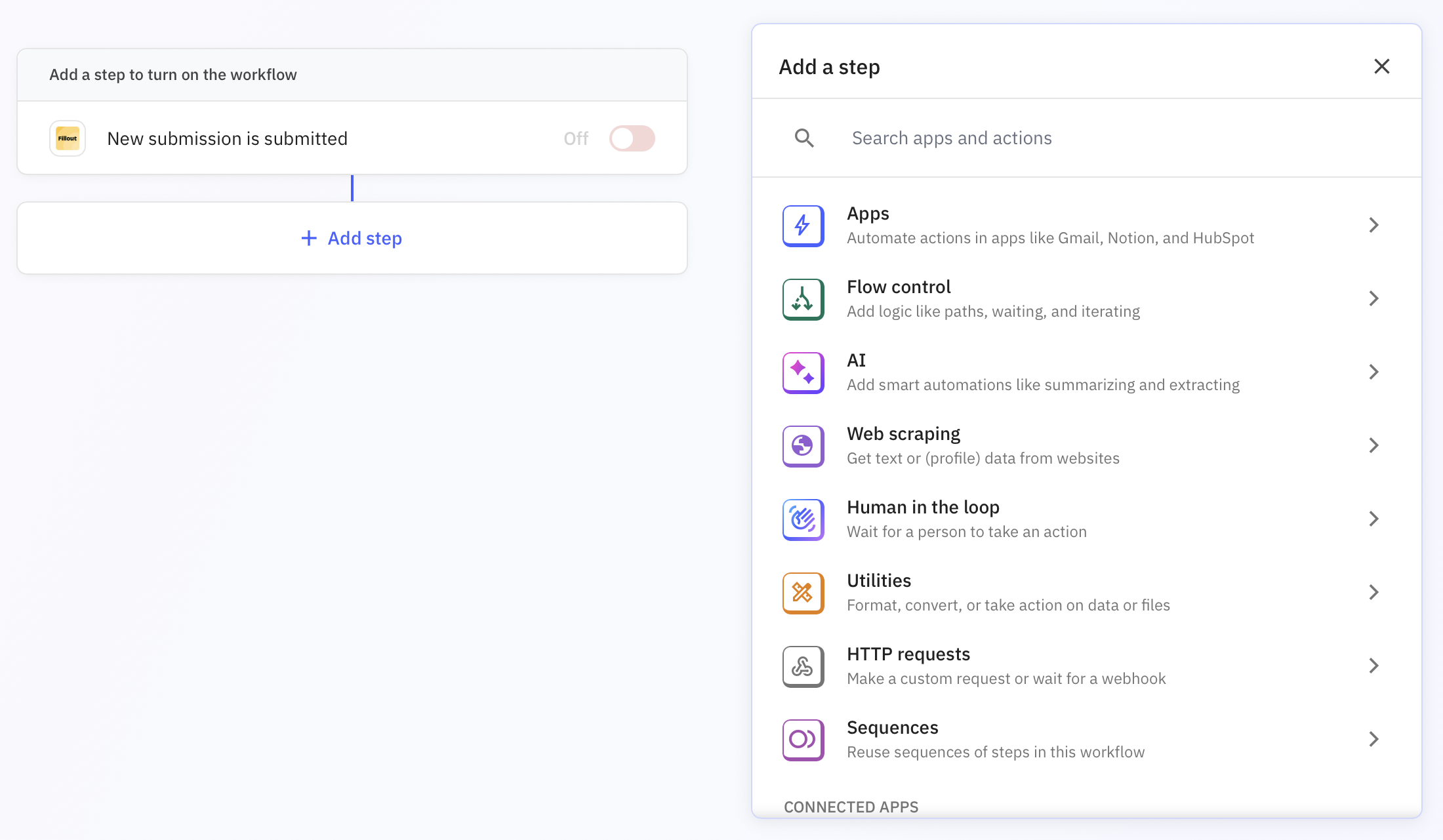
+ New workflow on the left side. Then, + Add trigger and search for Fillout. Click New submission.+ Add step to select an action. Choose between apps, webhooks, AI, and more.Human in the loop to ask for approval or input from a team member via email or Slack message. More info here.3
Test your automation
Start a test run, and choose a form submission from the list in the pop-up.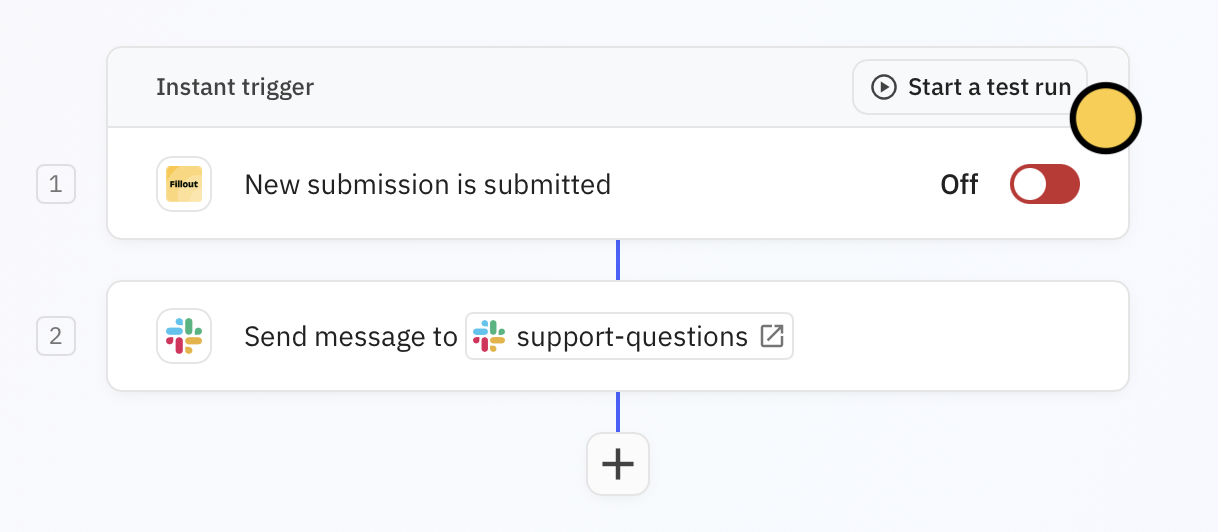
4
Publish
Once everything’s all good, toggle the 
Trigger switch. Now, every new submission will be sent to your Slack channel.