

What is OneDrive?
Microsoft OneDrive is a cloud storage service that allows users to store, share, and access files from anywhere. With seamless integration across devices and robust security features, it provides a convenient solution for storing and collaborating on documents, photos, and more.How it works
1
Connect your Fillout form to OneDrive
Click 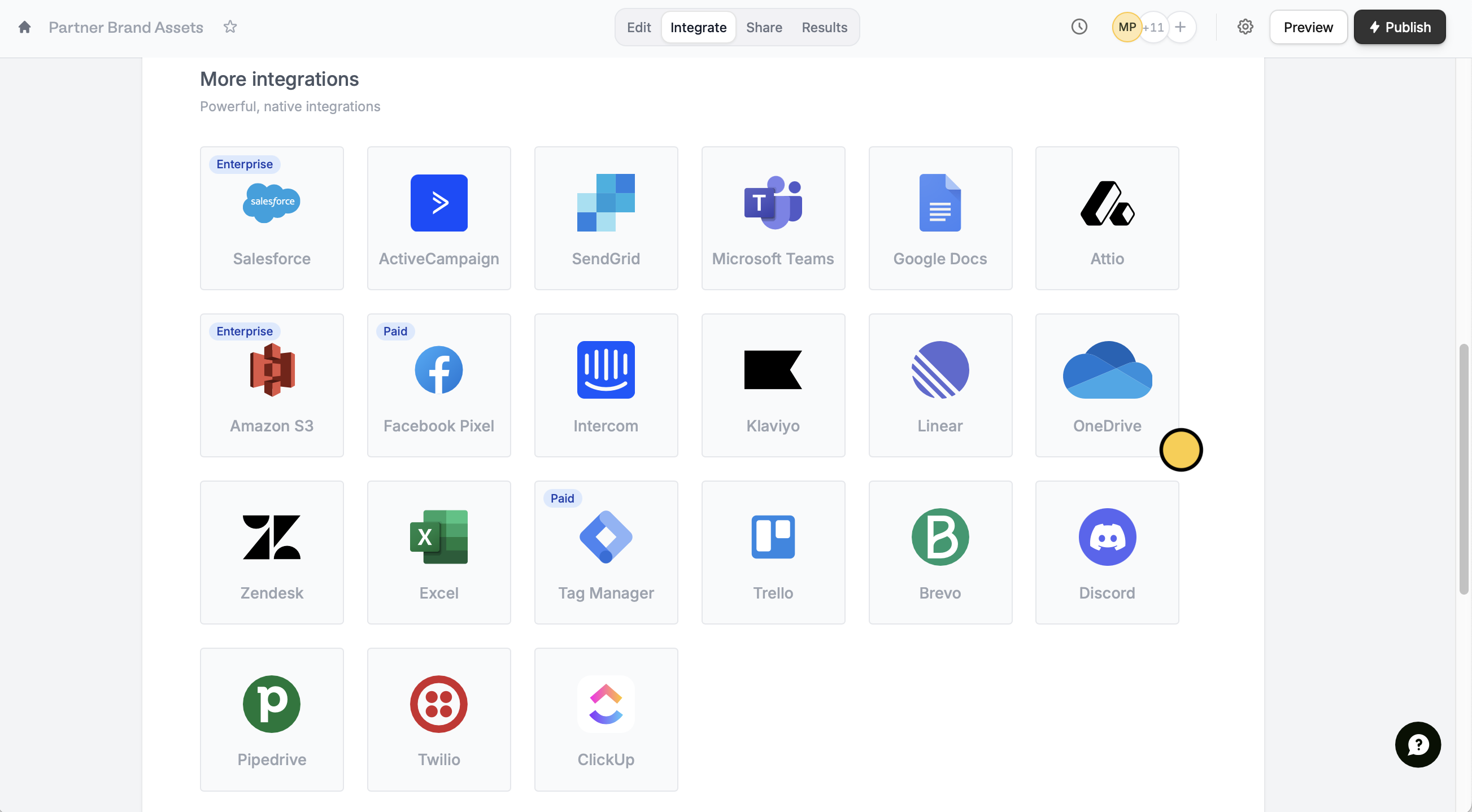
Integrate from the top menu followed by OneDrive.Connect to OneDrive and enter the login credentials of your Microsoft account. Choose a Folder you would like respondents to upload their files to.2
Map your form fields on Fillout
Under Upload fields, click 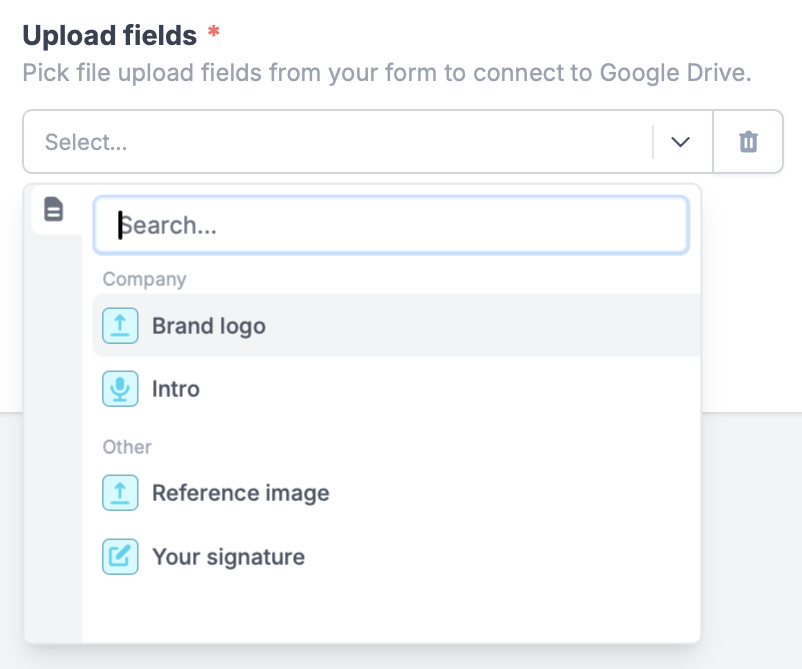
+ Add new followed by a file uploader, voice recording, or PDF field.3
Publish and share
Click
Finish setup followed by Publish on the upper right corner, and you’re all set!Add a dynamic file path
You can categorize file uploads into folders based on your respondents’ answers. Toggle theCustom subfolder and file name? switch, then enter a name or click to reference a field as the Subfolder name.
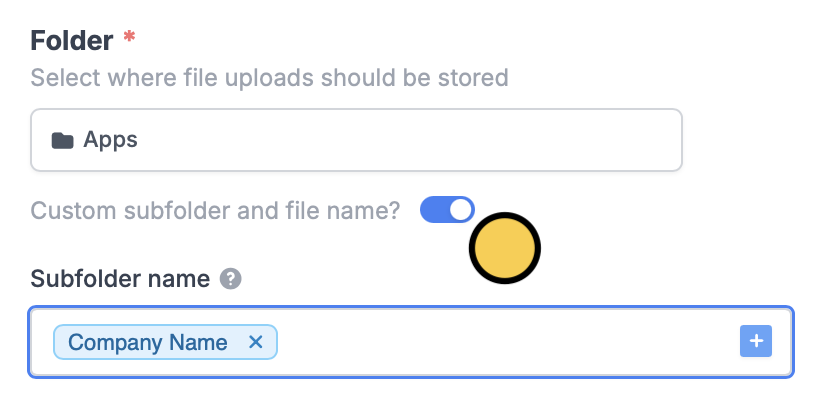
Add subfolders
You can add a subfolder by typing/ followed by your chosen subfolder name or clicking to reference a form field.

Enter a custom filename prefix
You can enter a Filename prefix to add specific characters at the beginning of each file name upon form submission or click to reference a form field.
Specify a condition
You can run your integration only when a specific condition is met. Check out this guide.Other similar integrations
Upload files to Google Drive
Automatically upload files with a form.
Sync file uploads to Dropbox
Automatically upload files with a form.
Sync file uploads to Amazon S3
Automatically upload files with a form.