

How to add a company
After connecting your Fillout form to HubSpot,+ Add new under Create company. Choose a Company property from the left and reference it to the relevant Fillout form field on the right.
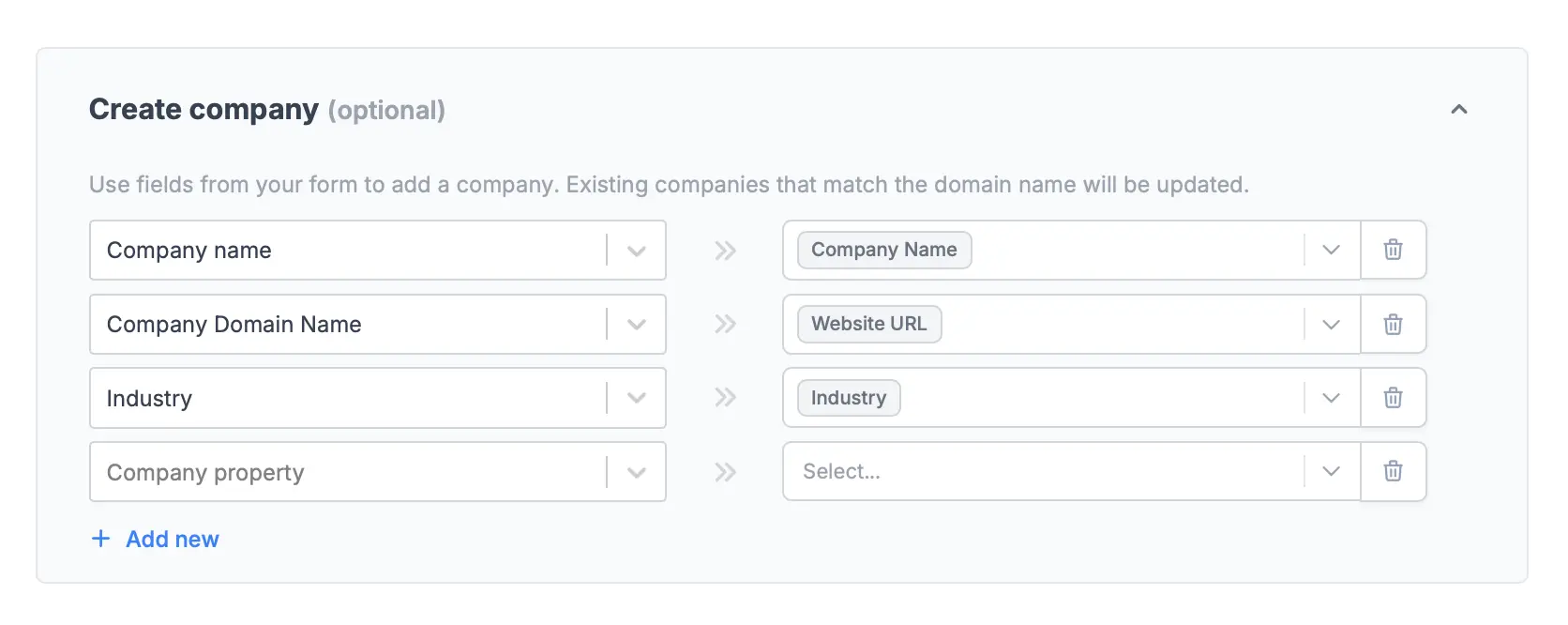
You can map URL or Email fields to the Company Domain property, and it will extract the domain name. For example, alfie@sola.com will be recorded as sola.com in HubSpot.
Finish setup in the upper right corner once everything is good, and Publish your form.
How to create a deal
Simply select a Sales pipeline and Deal stage. You can also+ Add new Deal properties if you prefer to.
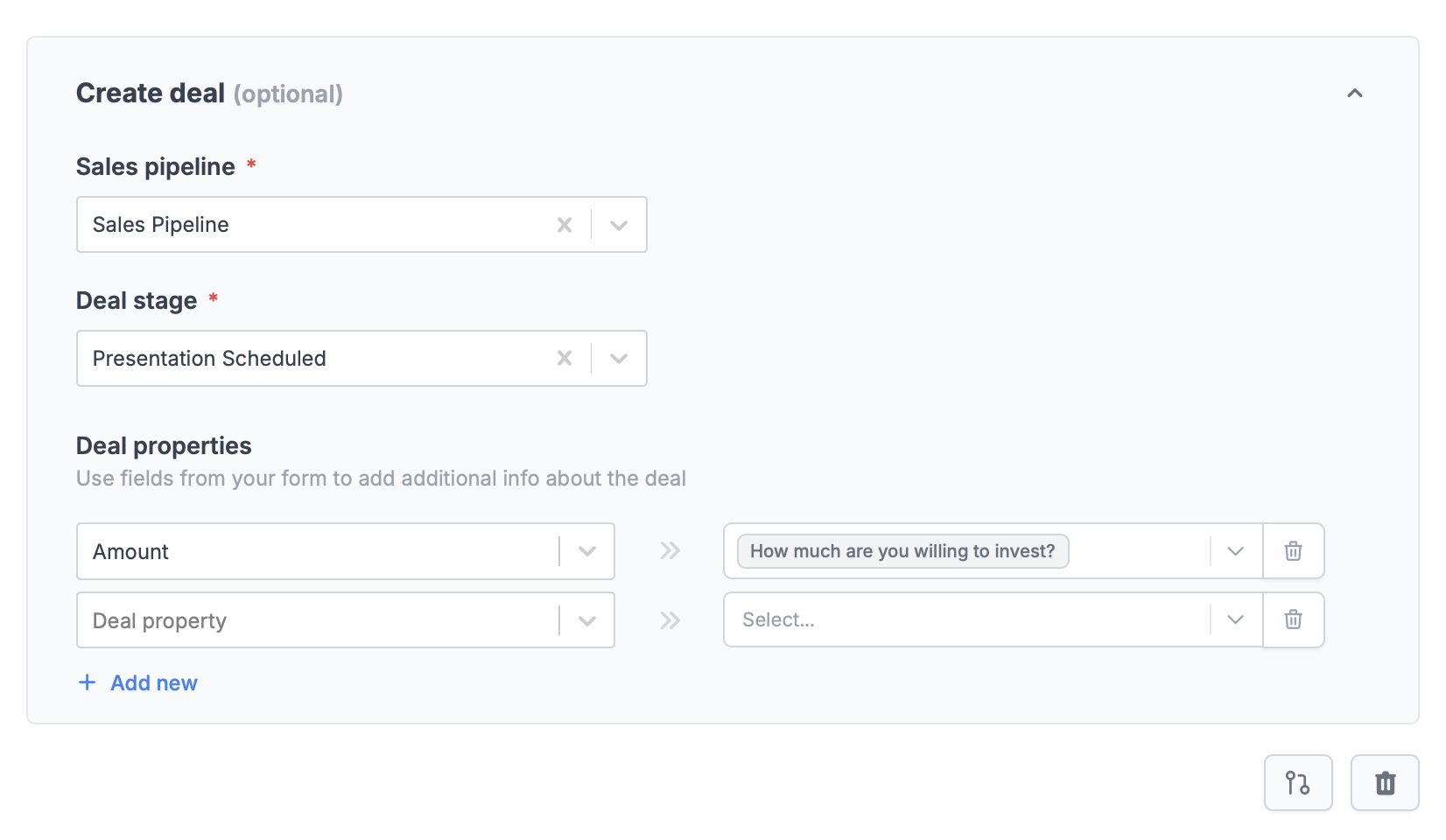
Finish setup when you’re done. Remember to Publish your form once you’ve made the new changes.
Specify a condition
You can run your integration only when a specific condition is met. Check out this guide.HubSpot specific guides
Create a HubSpot form
Create or update contacts with a form.