

How it works
You can have others update your Zite database without giving them direct access to your tables. Instead, connect a Fillout form where users can select and edit an existing record. Their responses will automatically update the matched record in your database. This is useful in various cases.Before you start, make sure your Fillout form is connected to your Zite database. More info here.
Common Use Cases
- Contact Information: Let clients or employees update their address, contact number, etc.
- Inventory: Allow warehouse or operations staff to update current stock levels
- Customer Feedback: Let customers update their preferences or provide additional details
- Event Registrations: Allow attendees to modify their registration details
- Employee Records: Let HR or team leads update employee info like department or role
Enable record updates
Switch connection to update mode
Open your Zite-connected form. Click 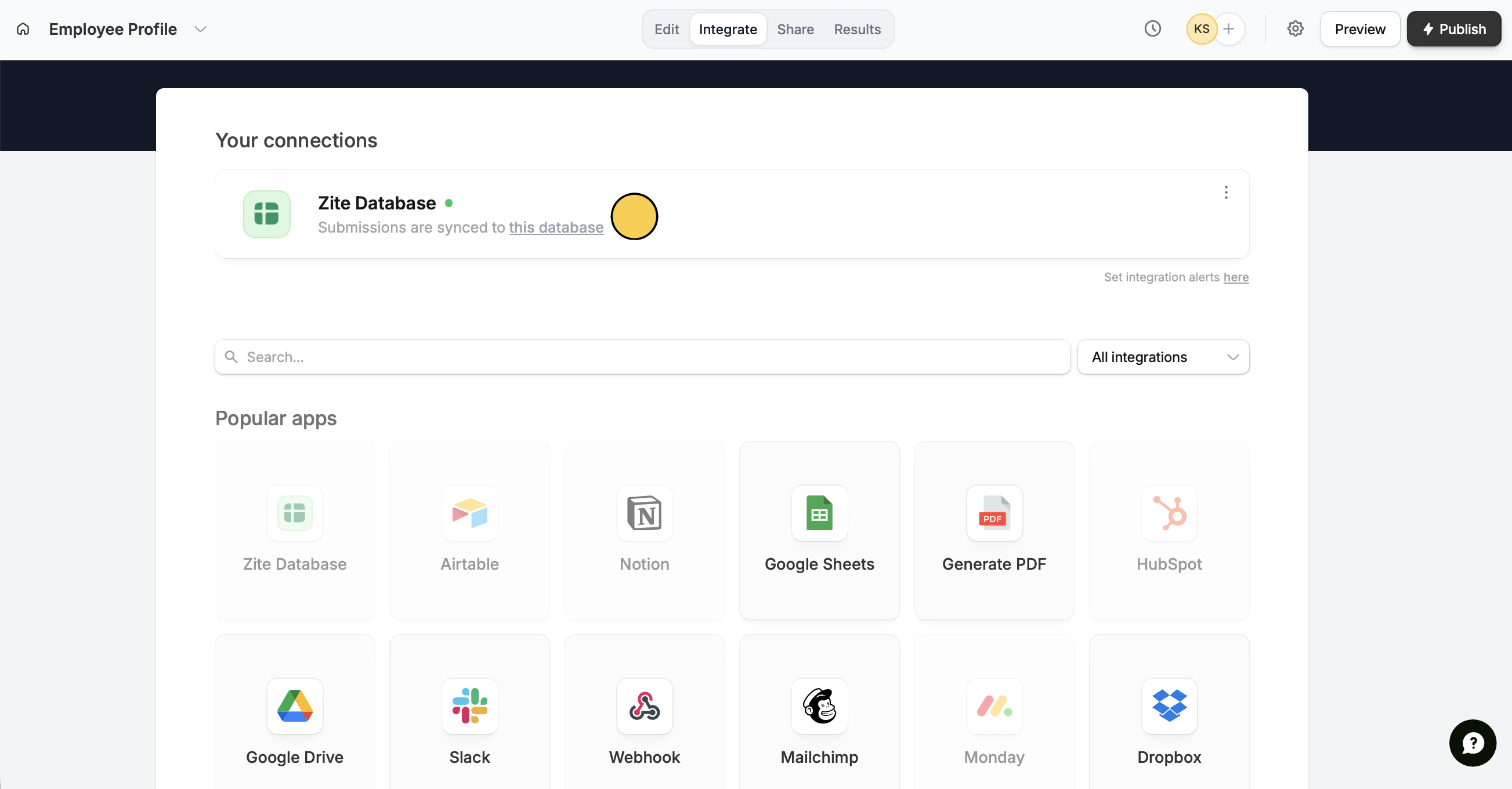
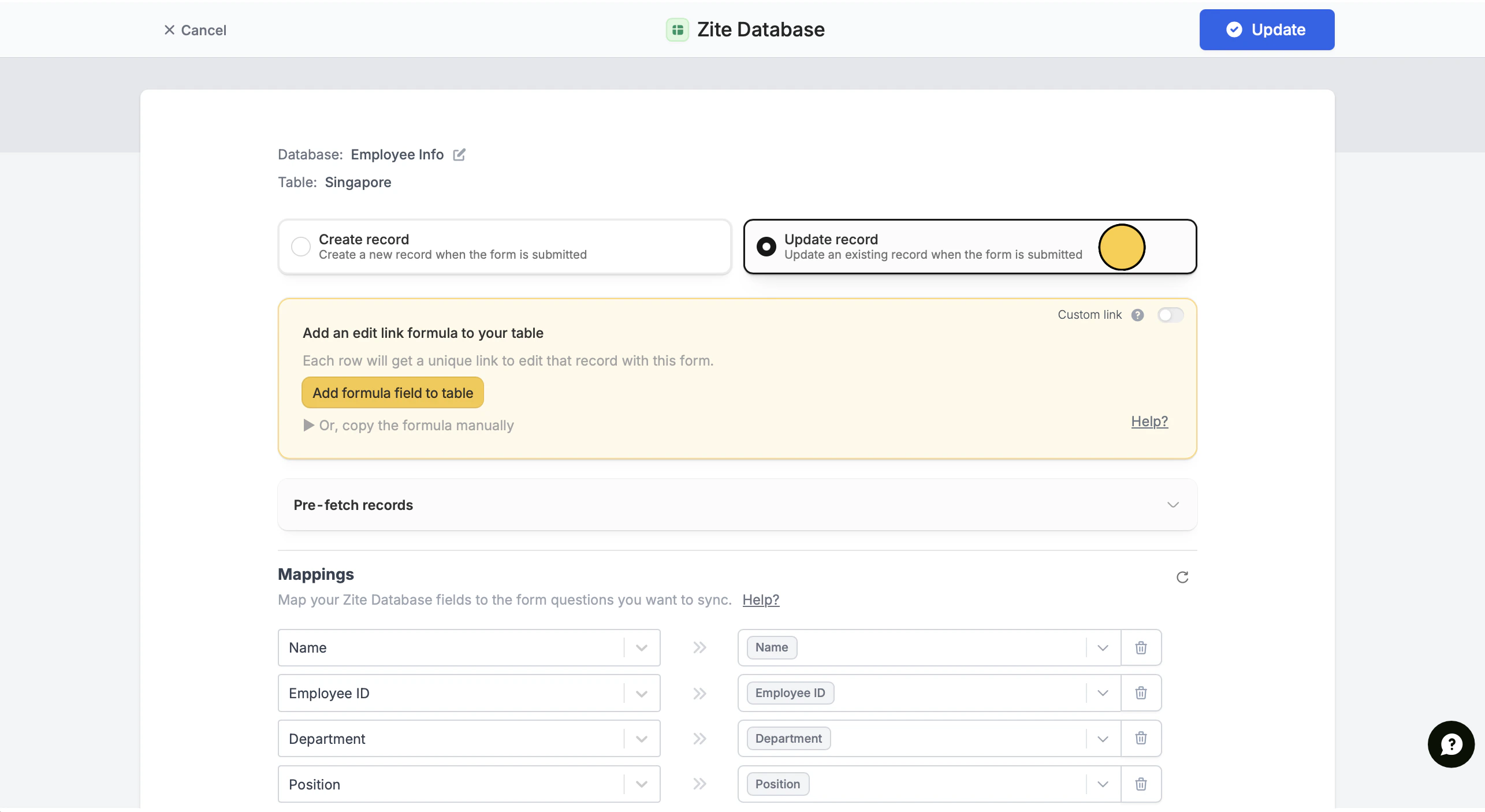
Integrate in the top menu followed by Zite Database.Update record.Switch connection to update mode
Open your Zite-connected form. Click
Integrate in the top menu followed by Zite Database.Update record.Add formula
Click
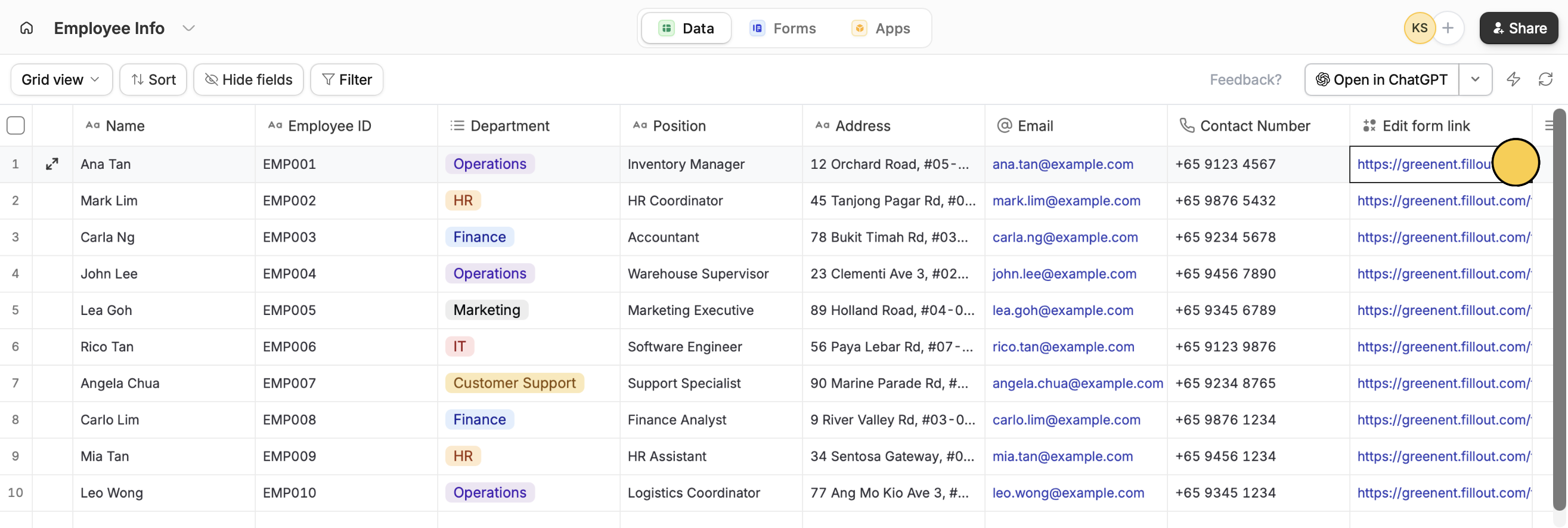
Add formula field to table (in the yellow box). A formula field will automatically be added to each record. No need to paste anything.Publish
Click
Update on the upper right corner followed by Publish.That’s it! Now others can update datatabase records with a form.Update records
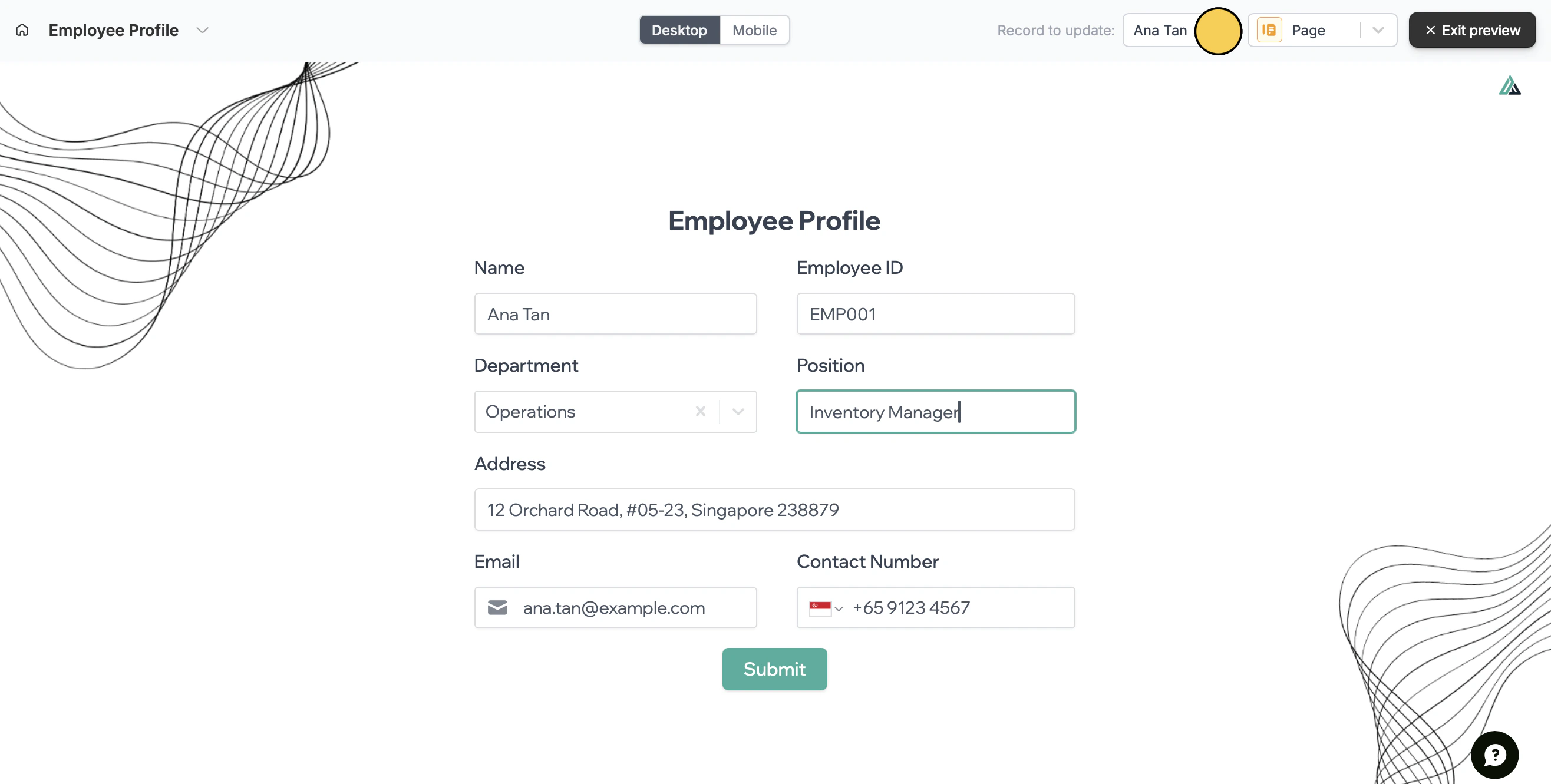
There are two ways to update records based on form access. Preview mode If they have form or workspace access, they can simplyPreview the form and select a Record to update.
Related articles
Sync form results
Add multiple tables, custom fields, views, and more.
Add collaborators
View results, analyze data, and edit forms with free seats.
Granular permissions
Set member access to view only, and restrict integrations.