

Overview
Build mode is where Zite makes changes to your app. This is the default mode when you’re building features, fixing issues, or updating design. When to use Build mode- Add or change features (new pages, components, workflows, etc.)
- Fix bugs or unexpected behavior
- Update formatting and styling (layout, colors, text, spacing)
- Set up integrations (databases, APIs, automations)
- Apply a plan you created in Plan mode
- Make any other changes to your app
How to use Build mode
Switch to Build mode
Click the 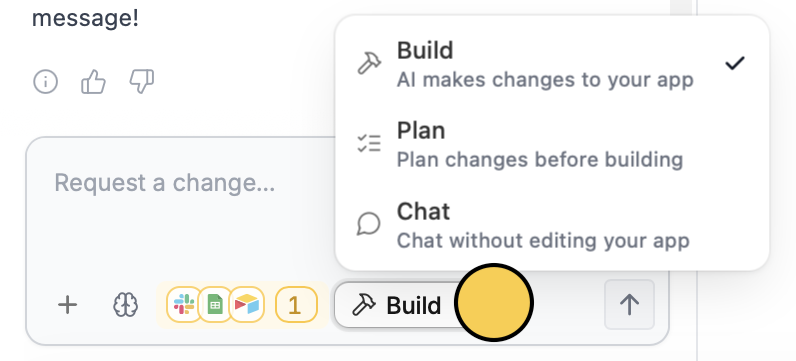
Mode and choose Build, or press Shift + Tab until you reach Build mode.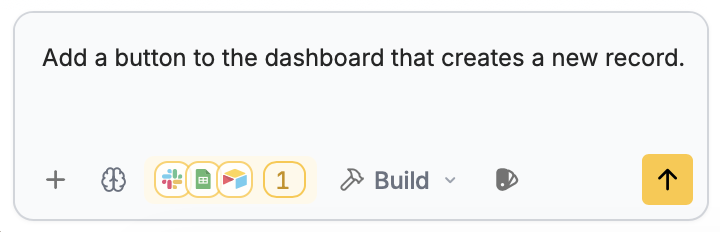
Review the result
You can always undo changes to return to your app’s previous state.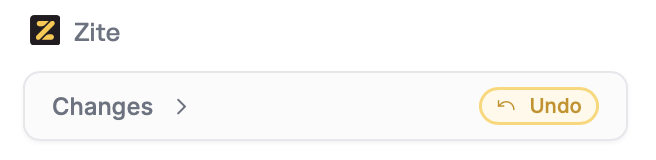
Tips for better results
Check out tips from the creators here.Want to scope first? Switch to Plan mode to create a plan document before building.
Related articles
Plan mode
Create a plan document before anything is built.
Chat mode
Ask questions or get suggestions without changing your app.
Selective edits
Edit the typography, color palette, and other elements.