

How it works
Turn your HubSpot CRM into a fully functional Zite app that users can access without HubSpot, so you don’t need to pay for per-seat licenses. Once connected, Zite reads and writes HubSpot data in real time, keeping your apps in sync. By connecting Zite to HubSpot, you can:- Build custom views for contacts, companies, and deals (pipelines, directories, dashboards)
- Let your team update CRM data from Zite, with changes syncing back to HubSpot
- Trigger emails, Slack alerts, or document generation based on CRM events
How to build a CRM
Connect to HubSpot
Request your Zite app it to be integrated with HubSpot or click in the chat box.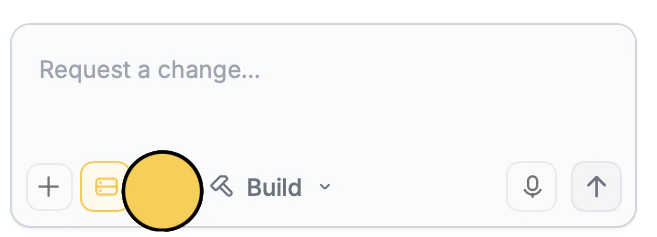
integrations. Enter use case
Tell Zite how you want to use HubSpot in your app. For example, let’s sync updates to our objects.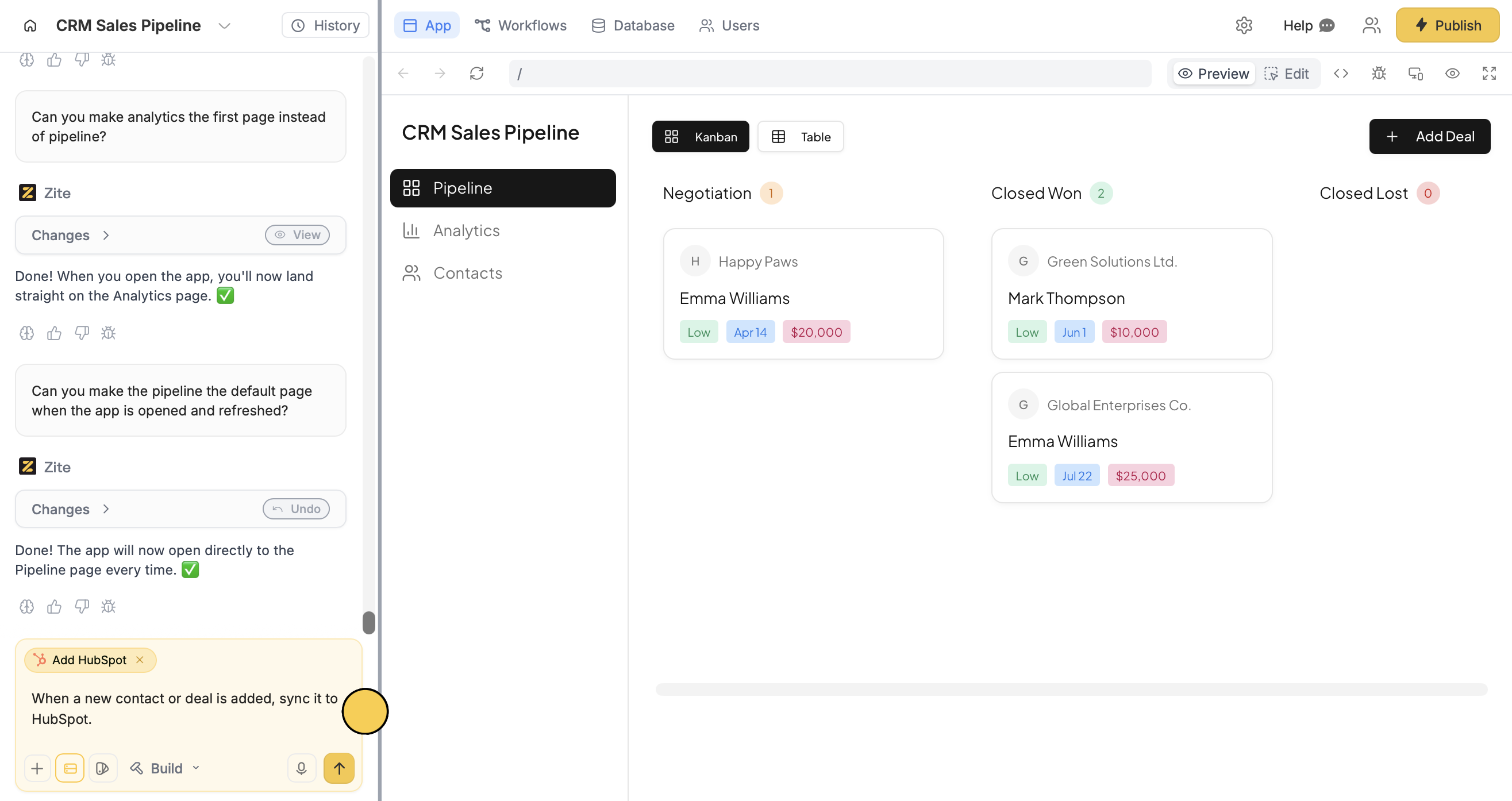
Deploy and share
That’s it! Updates will now show up on HubSpot.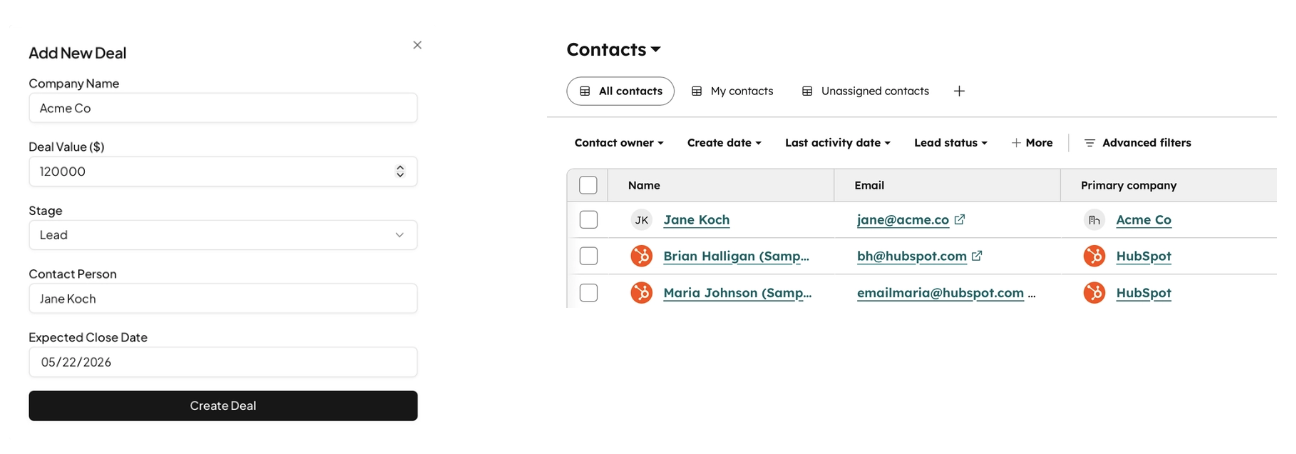
Publish in the upper right corner to share or embed your app.Modify the theme or style specific elements your app to personalize it or match it with your brand.Common use cases
By creating a Zite app with HubSpot, you can quickly build tools like:- Sales Dashboards: Visualize contacts, companies, and deals in custom pipeline views
- Deal Tracking Apps: Monitor deal stages, updates, and progress in real time
- Customer Directories: Build searchable views of contacts and accounts
- Workflow Apps: Trigger actions like emails, Slack alerts, or updates based on CRM events
- Custom CRM Views: Let teams manage HubSpot data in a cleaner, more usable interface