

Overview
Make changes to text and images generated on your app, which includes headers, descriptions, buttons, banners, section backgrounds, dividers, hyperlinks, icons, and input fields.Style elements in your app
ClickEdit in the upper right corner followed by the element you’d like to customize.
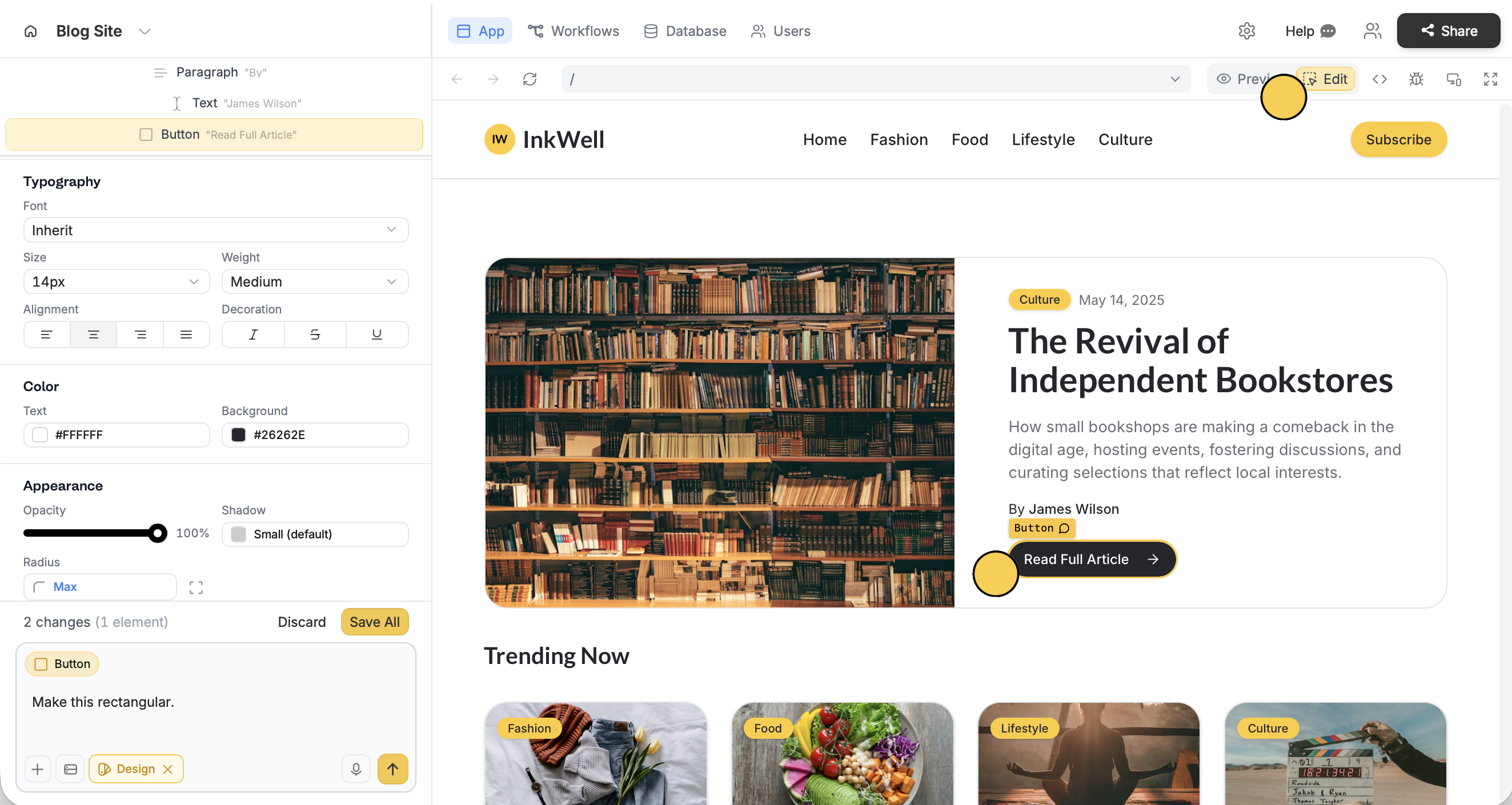
Save All (above the chat box) to finalize edits.
Non-dynamic text can be edited directly in the app, while dynamic text requires a chat prompt.
When edits use AI credits
Some edits consume very little credits like changing text directly or making other quick tweaks. Adding a prompt for an edit consumes a little bit more. For full details on how AI credits work, check out our AI credit usage guide.Undo changes
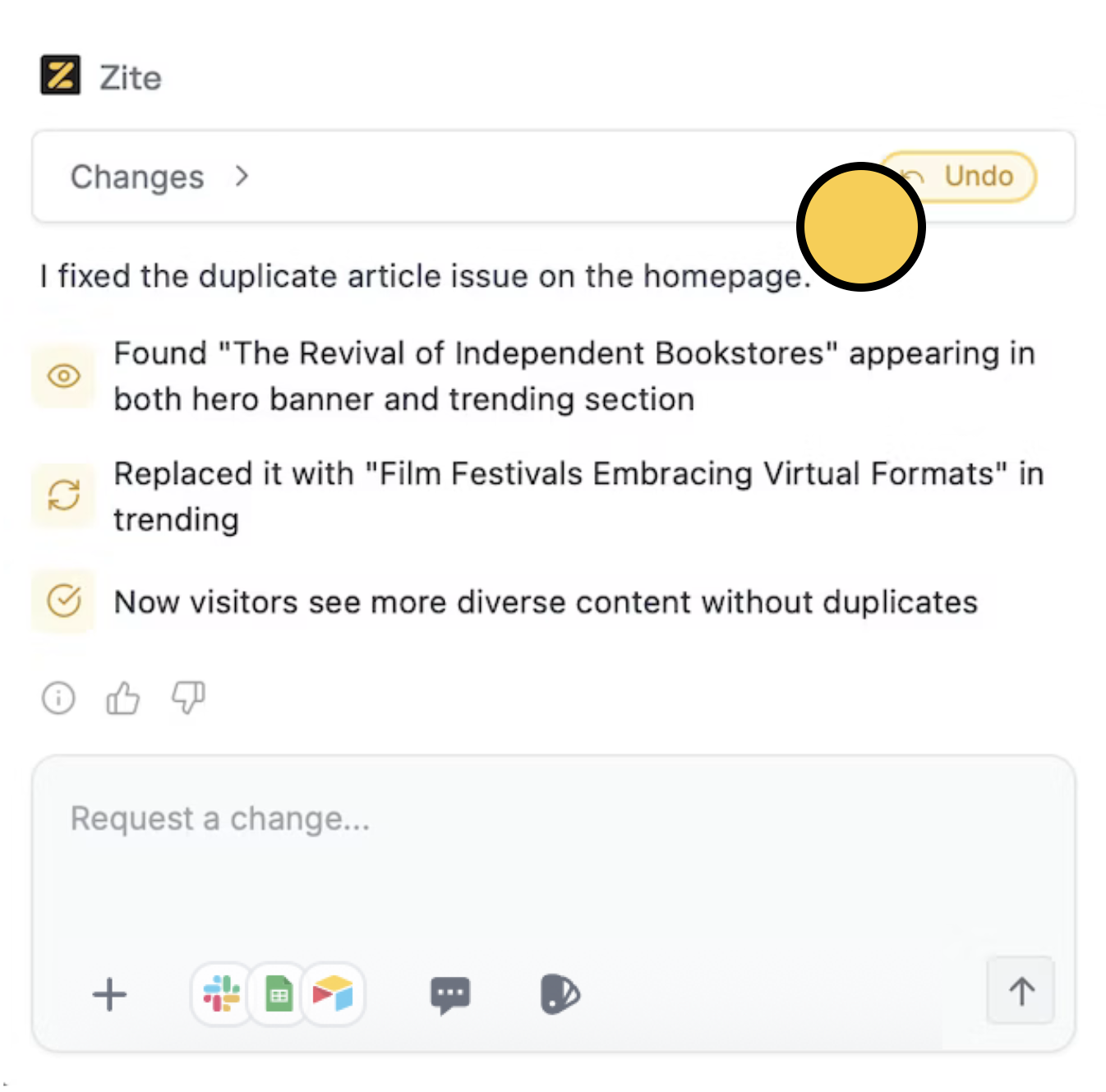
Simply clickUndo on the change you’d like to revert. Once undone, this action cannot be reversed.
Related articles
Recover old version
View version history and mass-undo recent changes.
Designing
Make your Zite app look and feel on-brand.