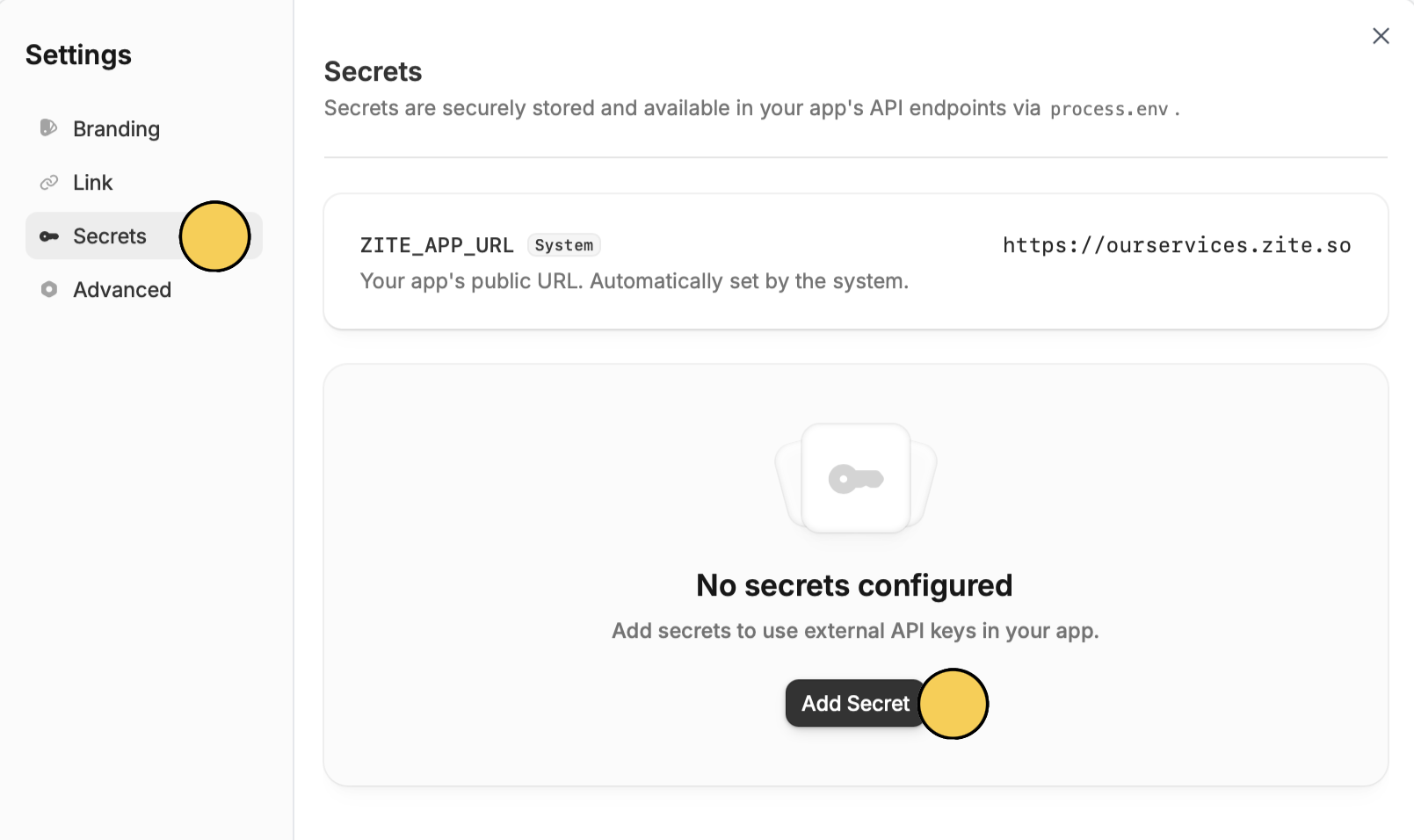
What are Secrets?
Secrets or environment variables are private values (such as API keys, tokens, or credentials) that your app can use behind the scenes. They are only available in backend workflows and are never visible to users, which helps keep sensitive information safe.When should you use Secrets?
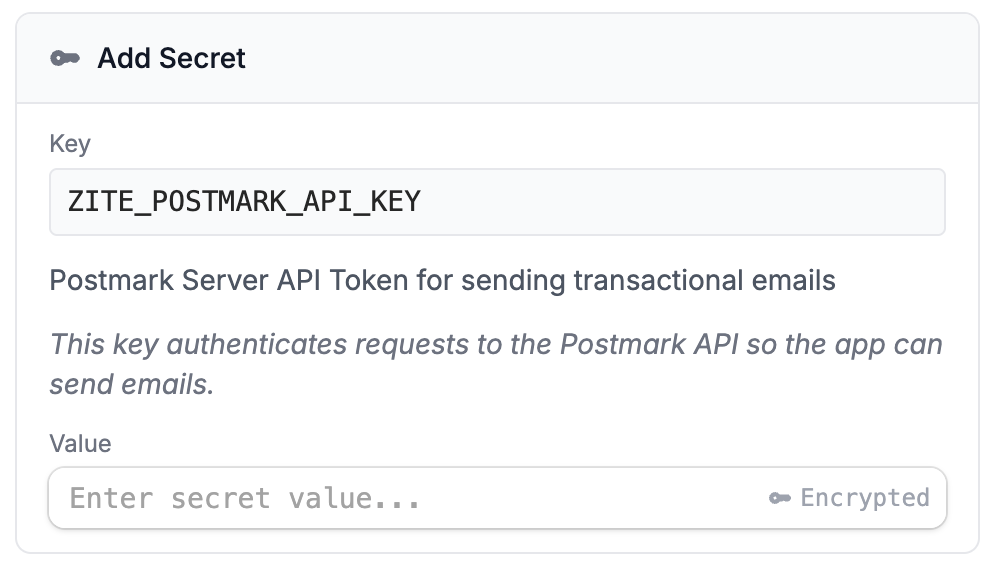
Use Secrets when you want to connect your app to an external service that requires an API key especially if it’s not already built into Zite. For example, you might use Secrets to:- Send emails using a service like Postmark
- Connect to tools that require API keys
- Add integrations that Zite doesn’t support out of the box
Add secrets to your app
Get external API key
Open the website or service you’d like Zite to use. Let’s say you want to send emails using Postmark. Copy your API key from there.