

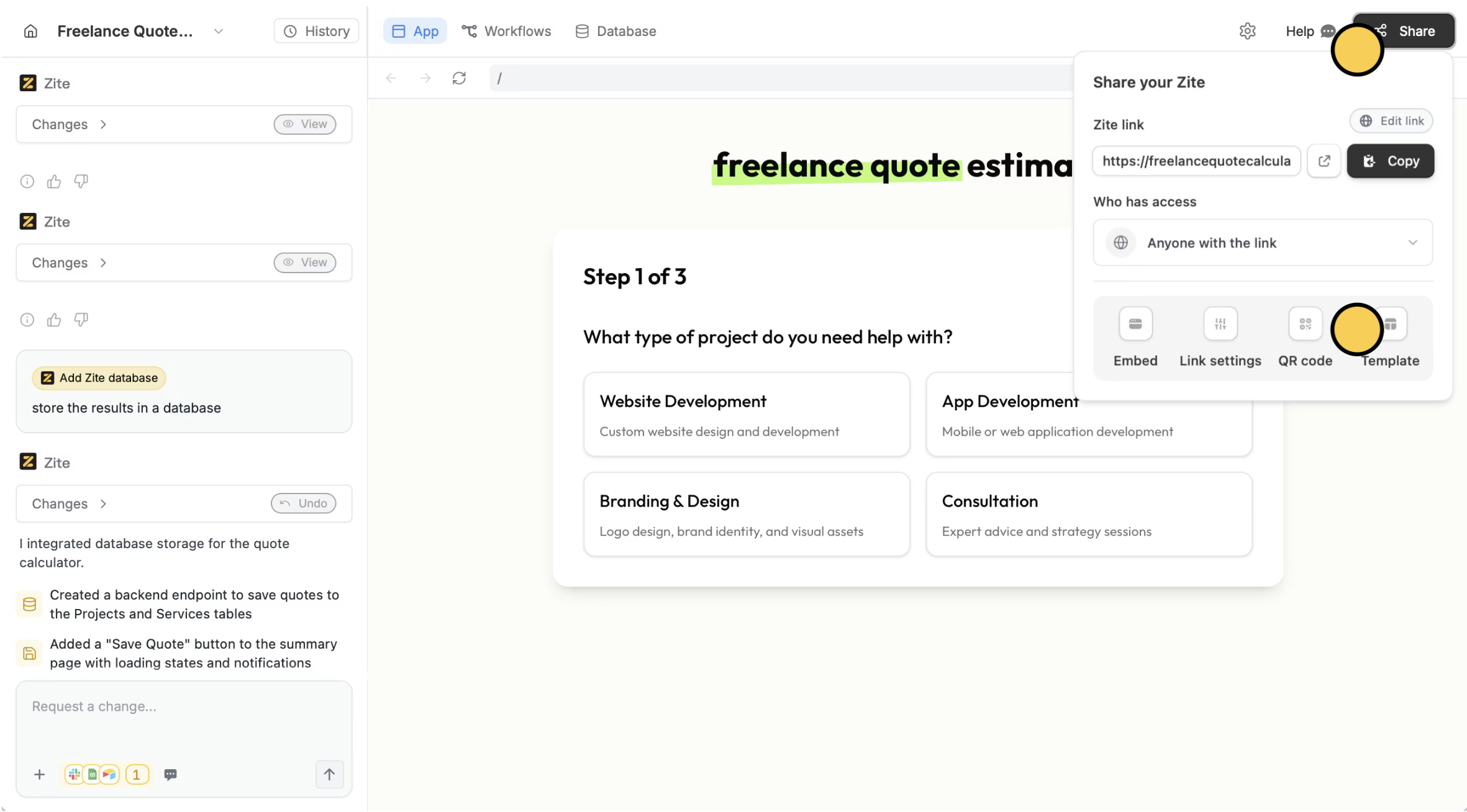
Convert app to template
Add details
Enter the details of your template and choose whether to share it to others for free or require payment.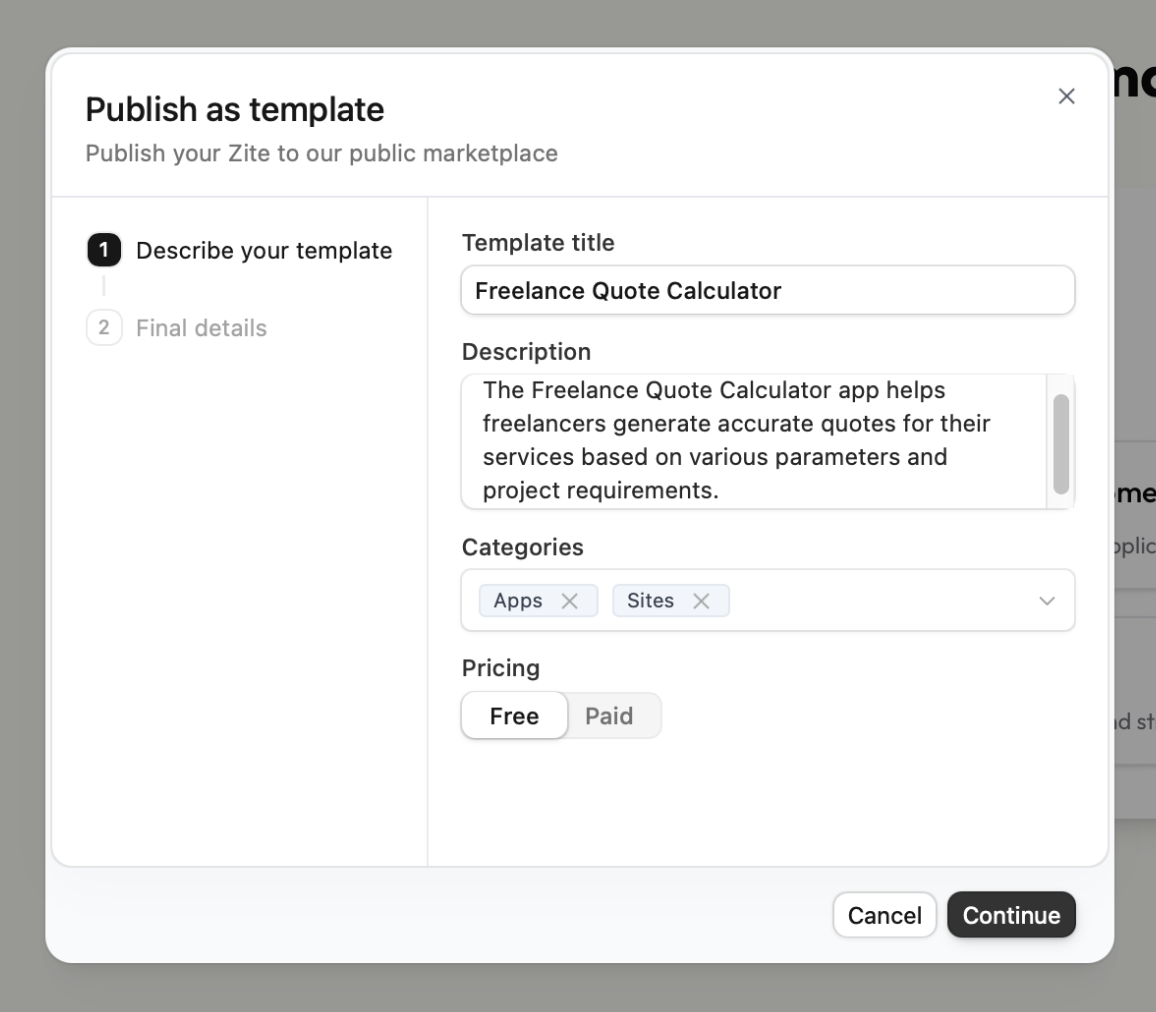
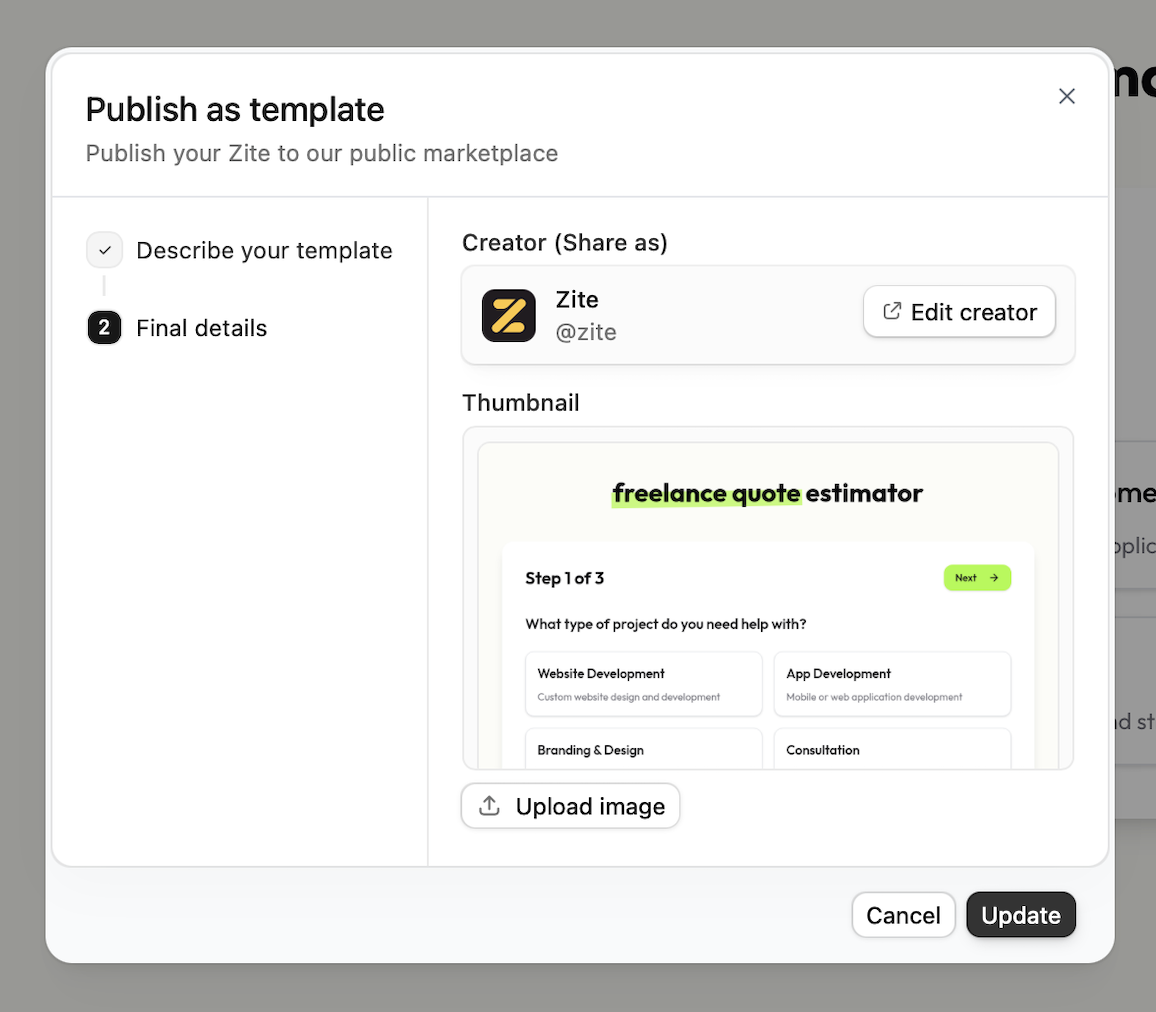
Edit creator to change this.upload image to replace this. Click Update when everything’s set.That’s it! You have now created a template.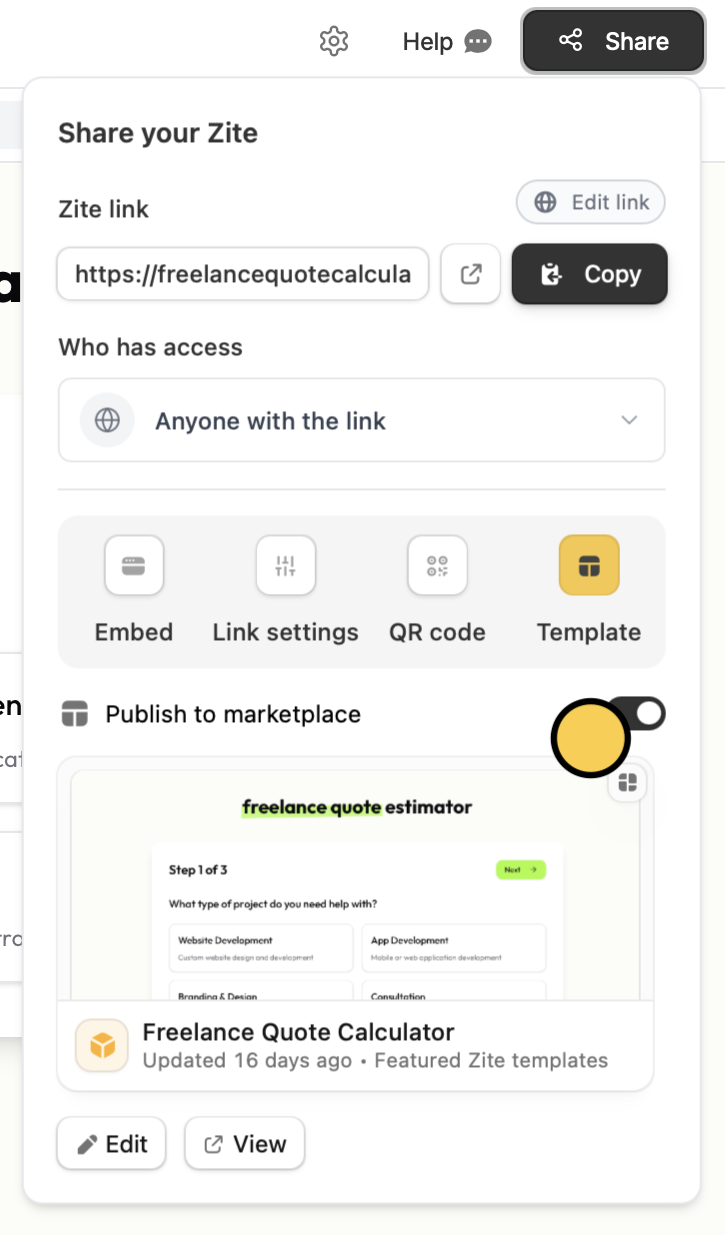
Want your template featured in our Marketplace? Reach out to support@fillout.com Any updates you make after your template is featured will still be reflected.