

Fillout logo, you can find it in our press kit here.
How to add a logo
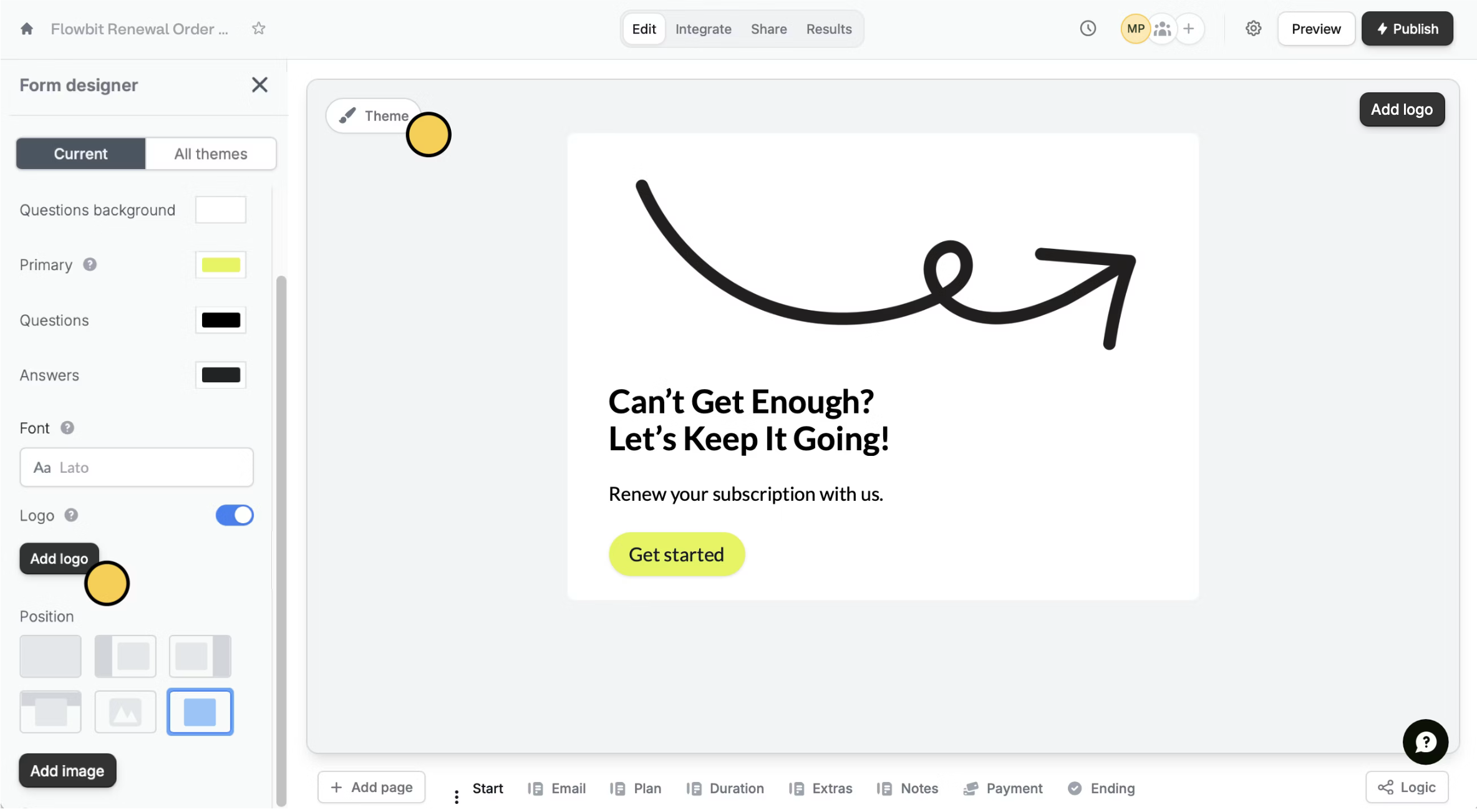
Open your form and clickTheme. If you haven’t chosen one yet, hover over the theme you like and click Edit.
Next, toggle the switch next to Logo, and click Add logo.
This feature is available to Starter users and above. For more details on pricing, click here.
Change or hide the logo
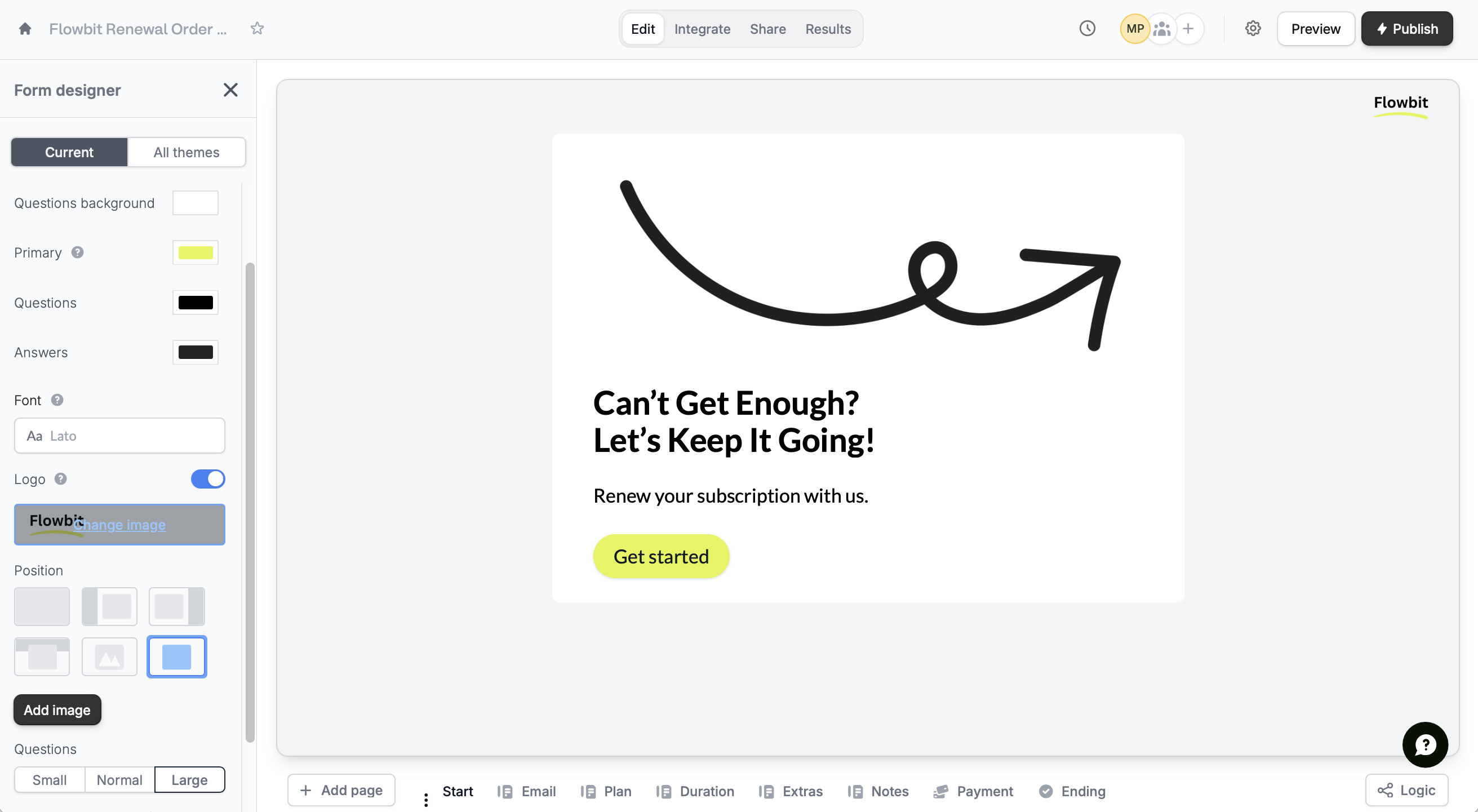
In the left-hand panel, hover over the logo, and click Change image. To hide it, untoggle theLogo switch.
Related articles
Themes
Select from hundreds of themes or create your own.
Add images or GIFs
Use images, GIFs, picture choices, or combine them.
Add headings
Improve your form’s structure and user experience.