

How to enable update mode
1
Connect to your database
On your Fillout form, navigate to 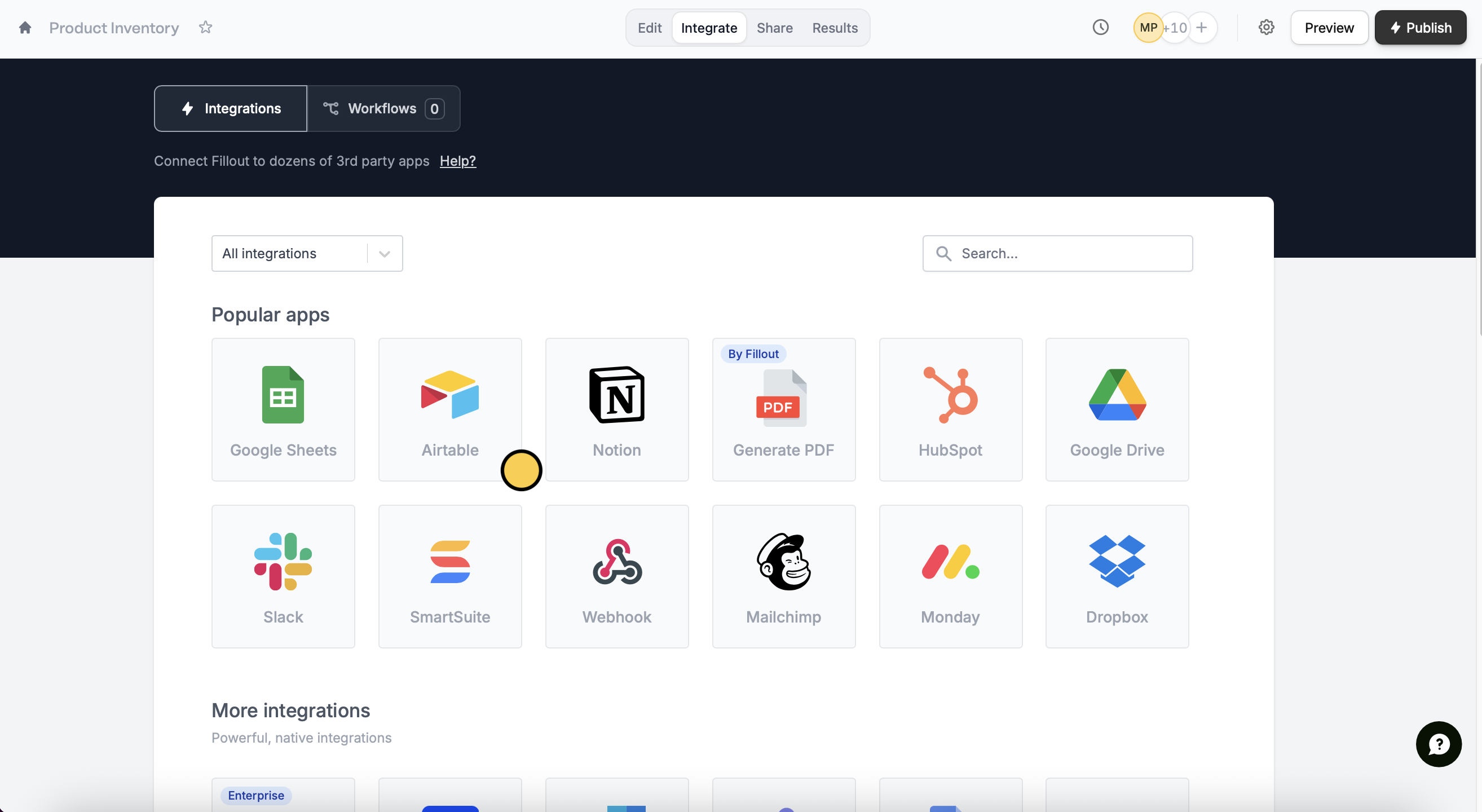
Integrate in the top menu to connect to your preferred database. In this example, we’ll choose Airtable.2
Add the linked record field
Once connected, fields from your database will appear in the left-hand panel. Drag and drop the linked record field to your form.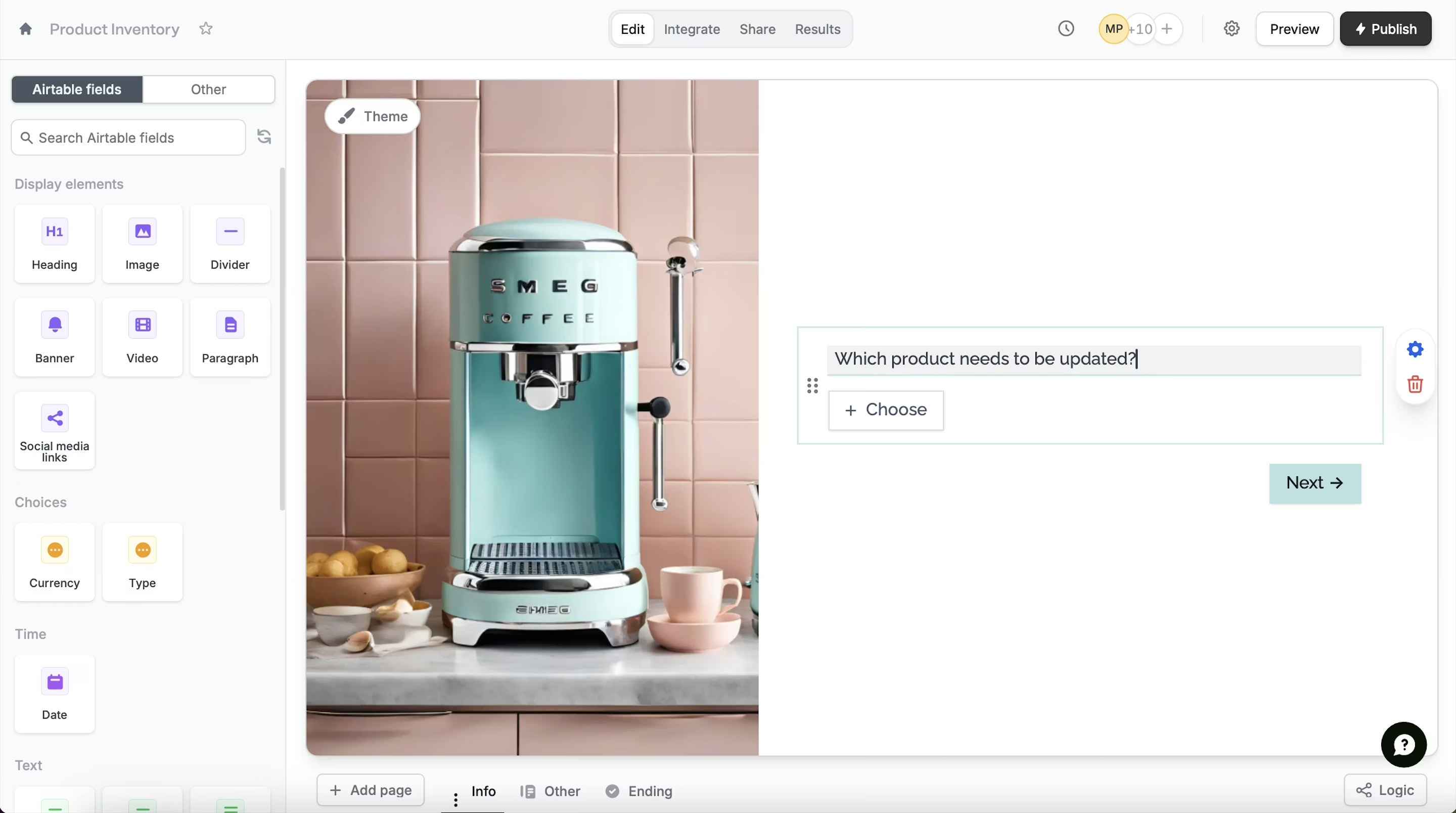
3
Allow editing records
Click the field’s 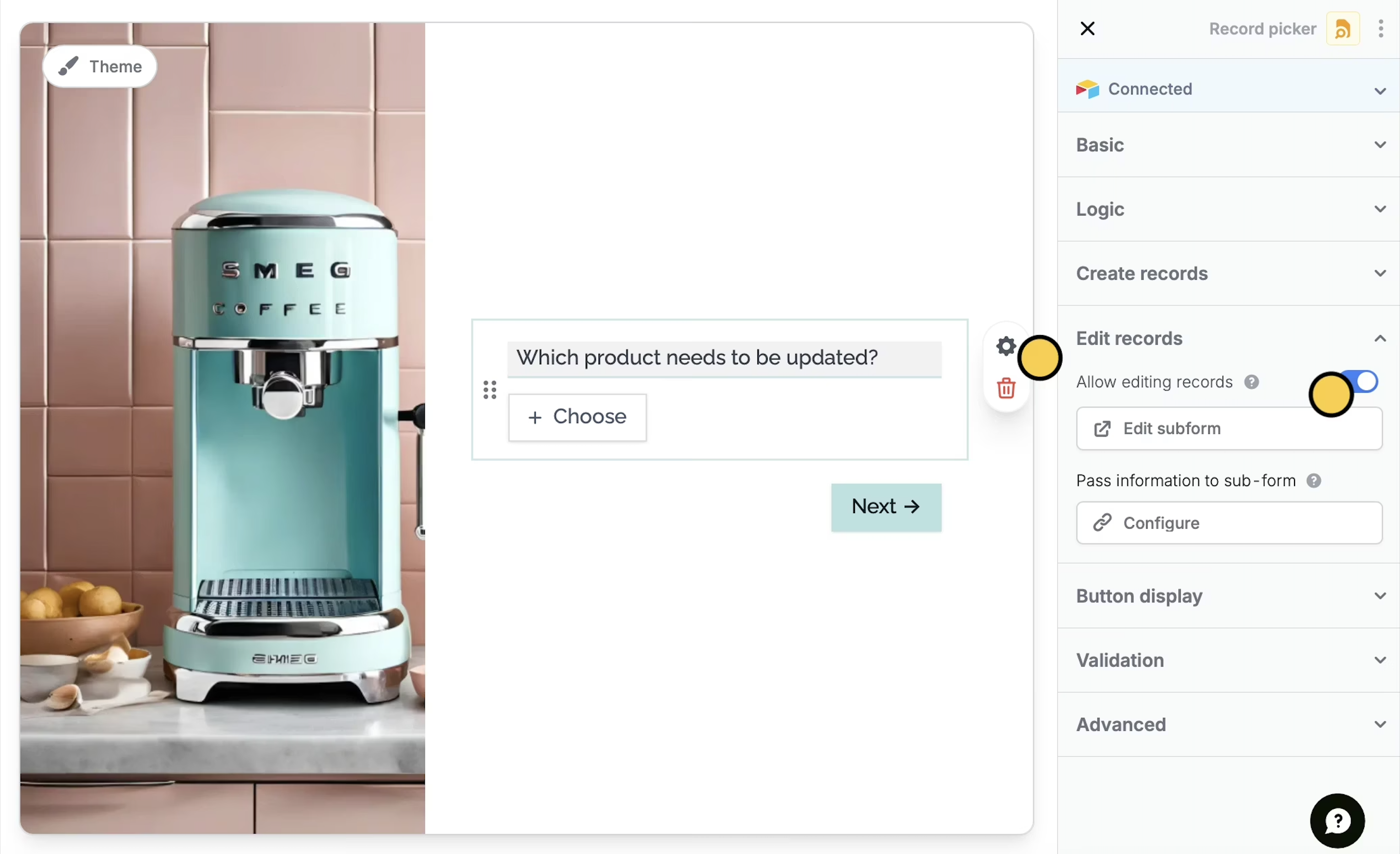
settings icon to toggle the Allow editing records switch.The default label button for linked record fields is “Add”. To edit this, go to Button display in the right-hand panel.
Edit subform.4
Publish and share
Click 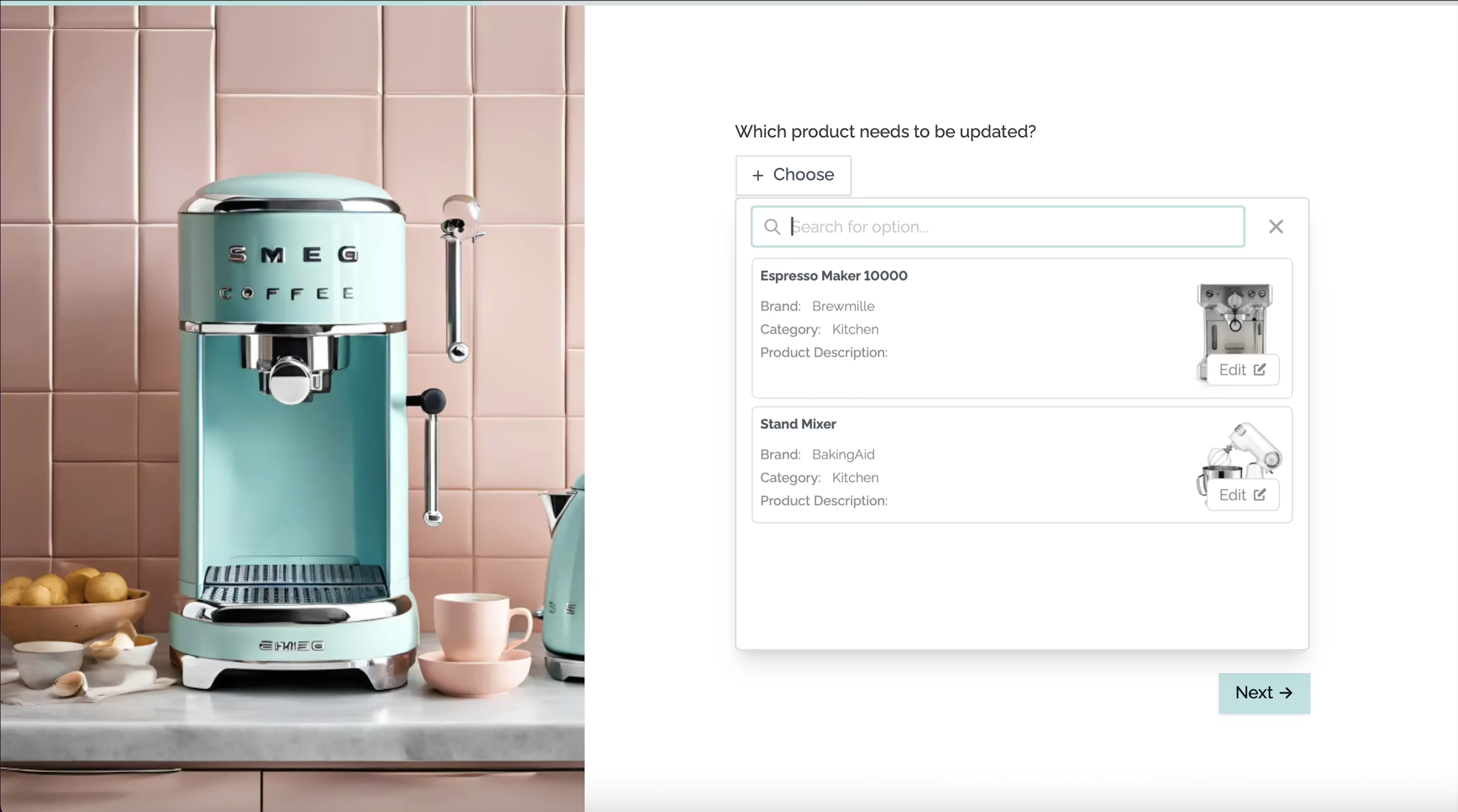
Publish in the upper right corner and share or embed your form.Relevant articles
Create new linked records
Let respondents create from a record picker.
Work with linked record pickers
Set pre-fills, reference fields, and more.