

How to group questions
Simply drag theSection collapse field onto your form.
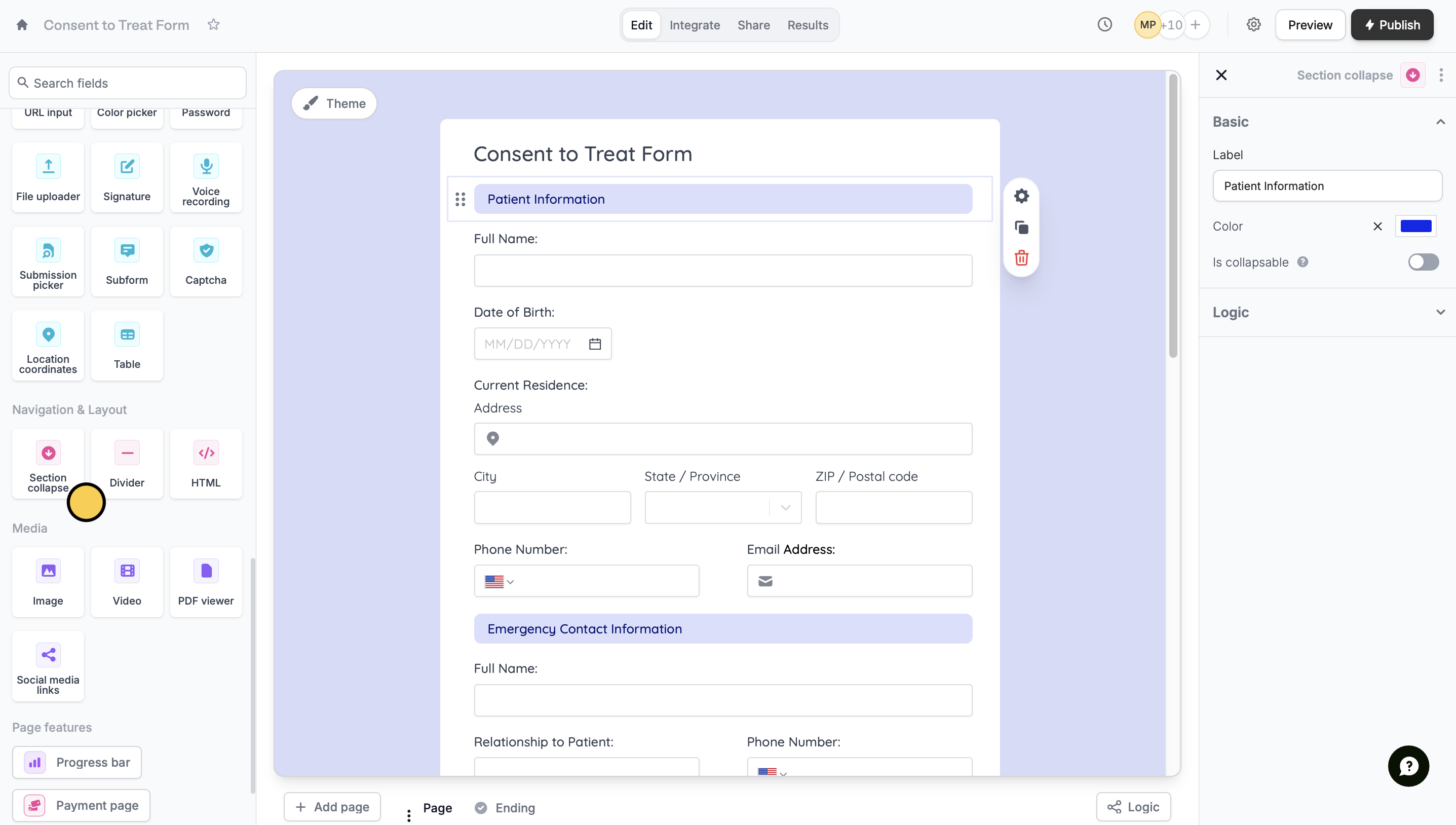
Section collapse field.
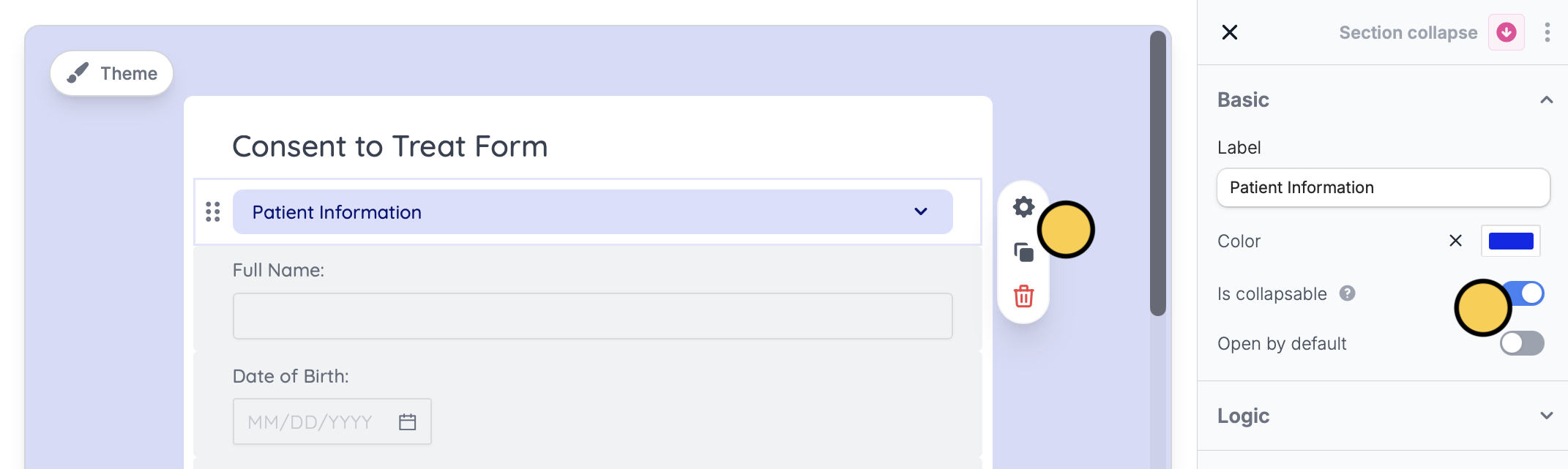
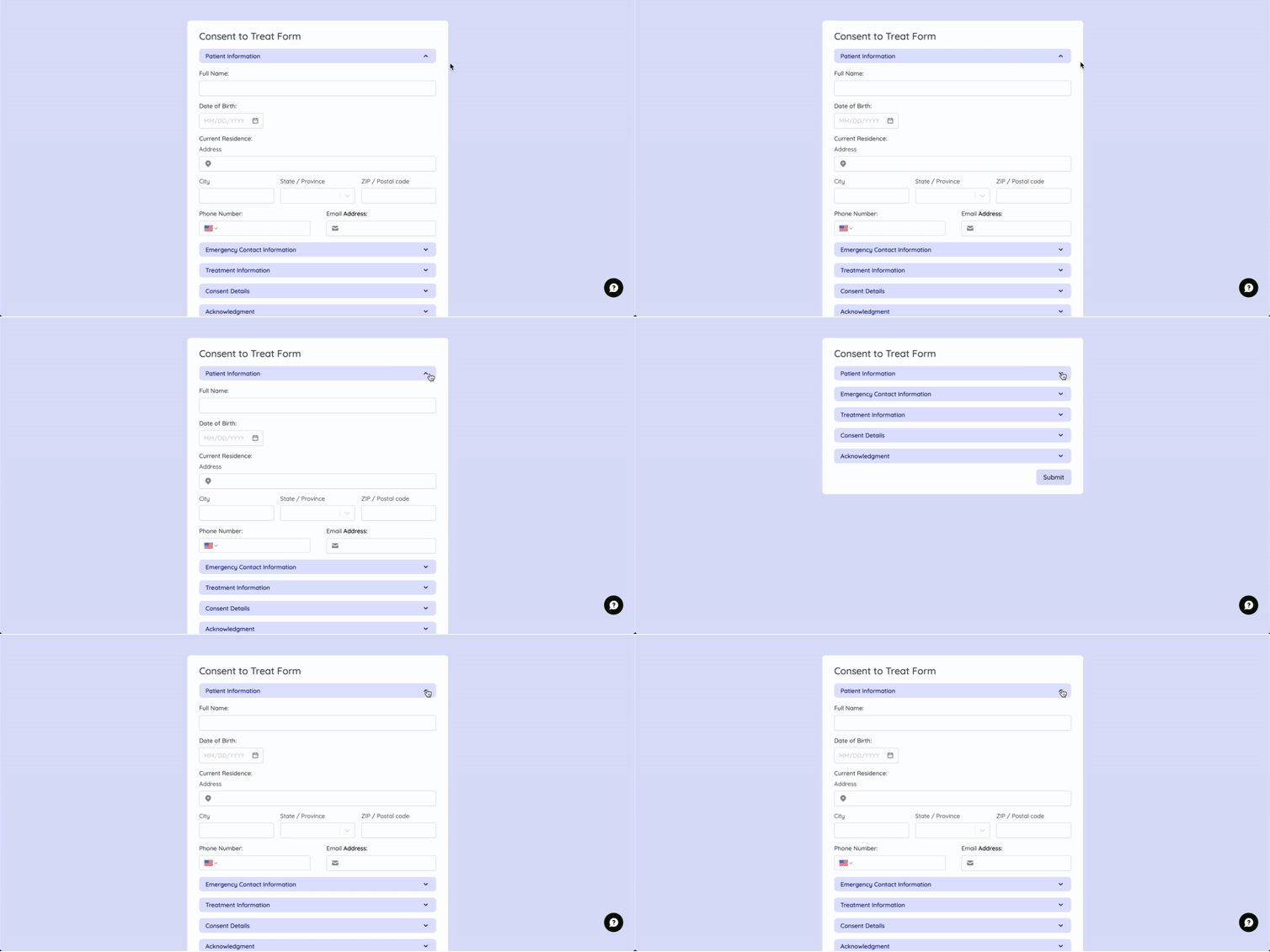
You can also enable Is collapsable to allow the user to open or close a particular section. Click the field followed by its settings icon to toggle the switch on the right-hand panel.
Conditionally hide many questions at once
If you set conditional hiding logic on a section, all the questions in that section will be shown/hidden based on that logic. This can be done on the right-hand panel.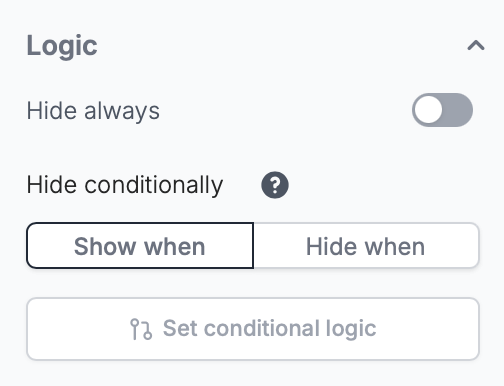
Related article
Hide fields
Hide or show fields based on answers, URL parameters or data.