

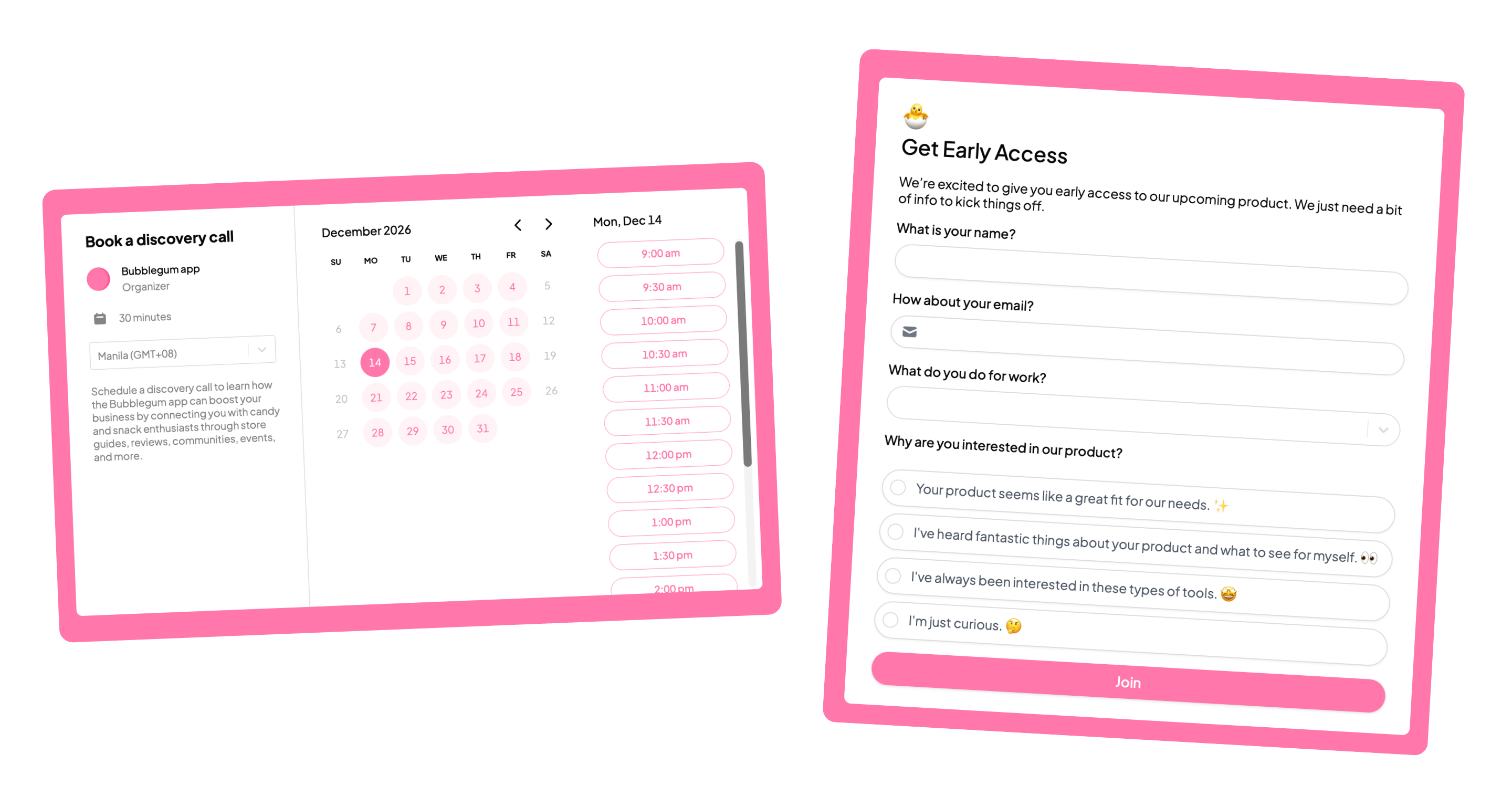
How it works
Organization admins can choose a default theme that will automatically be applied to all new forms created in their organization. This helps keep your forms consistent without needing to set a theme every time.This feature is available on the Team and Enterprise plans. Click here to learn more.
How to set a default theme
From the dashboard, click yourorganization name in the upper left corner followed by Settings. Then, click General.
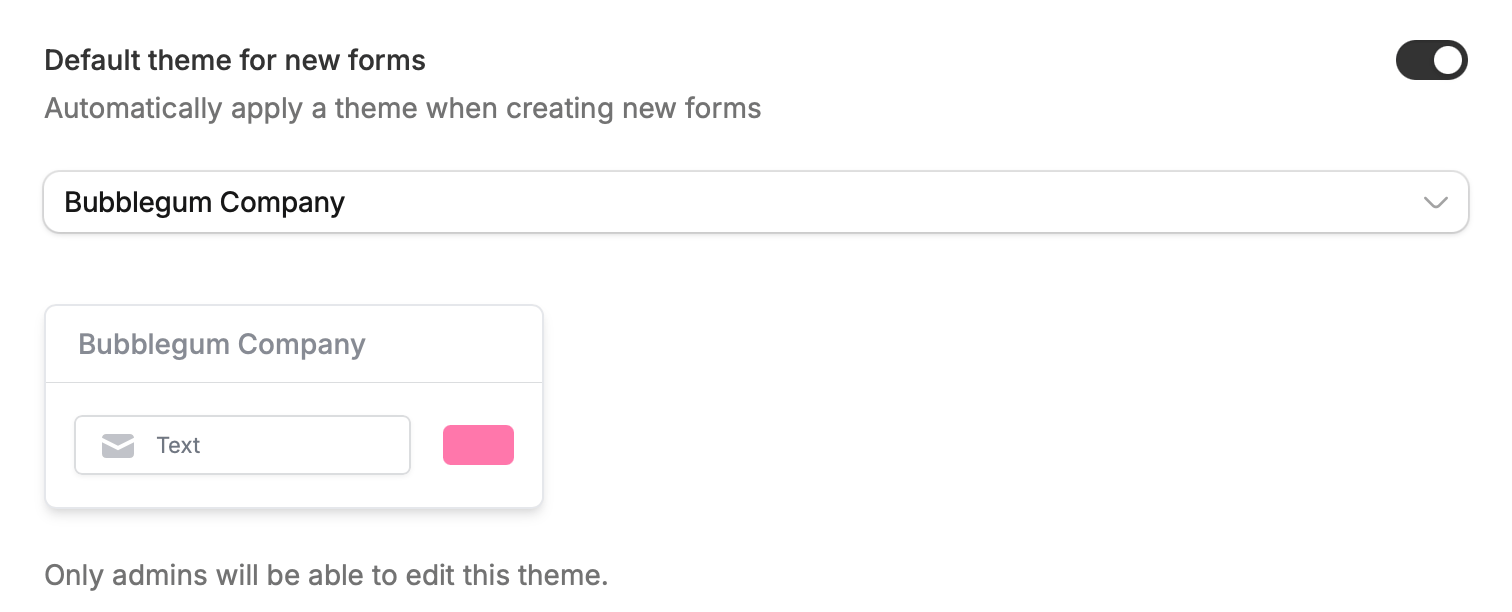
Default theme for new forms. Then, choose a form theme.