

Overview
The Zite Zapier integration lets you connect your Zite databases and tables to thousands of other apps. You can automate workflows by triggering actions when data changes in Zite, or push data into Zite from other applications.The integration uses OAuth 2.0—you’ll be prompted to log in to your Fillout/Zite account and authorize Zapier to access your databases.
How it works
Connect Zite to Zapier
Sign up or log in to your Zapier account. Hover over the left-hand panel and click 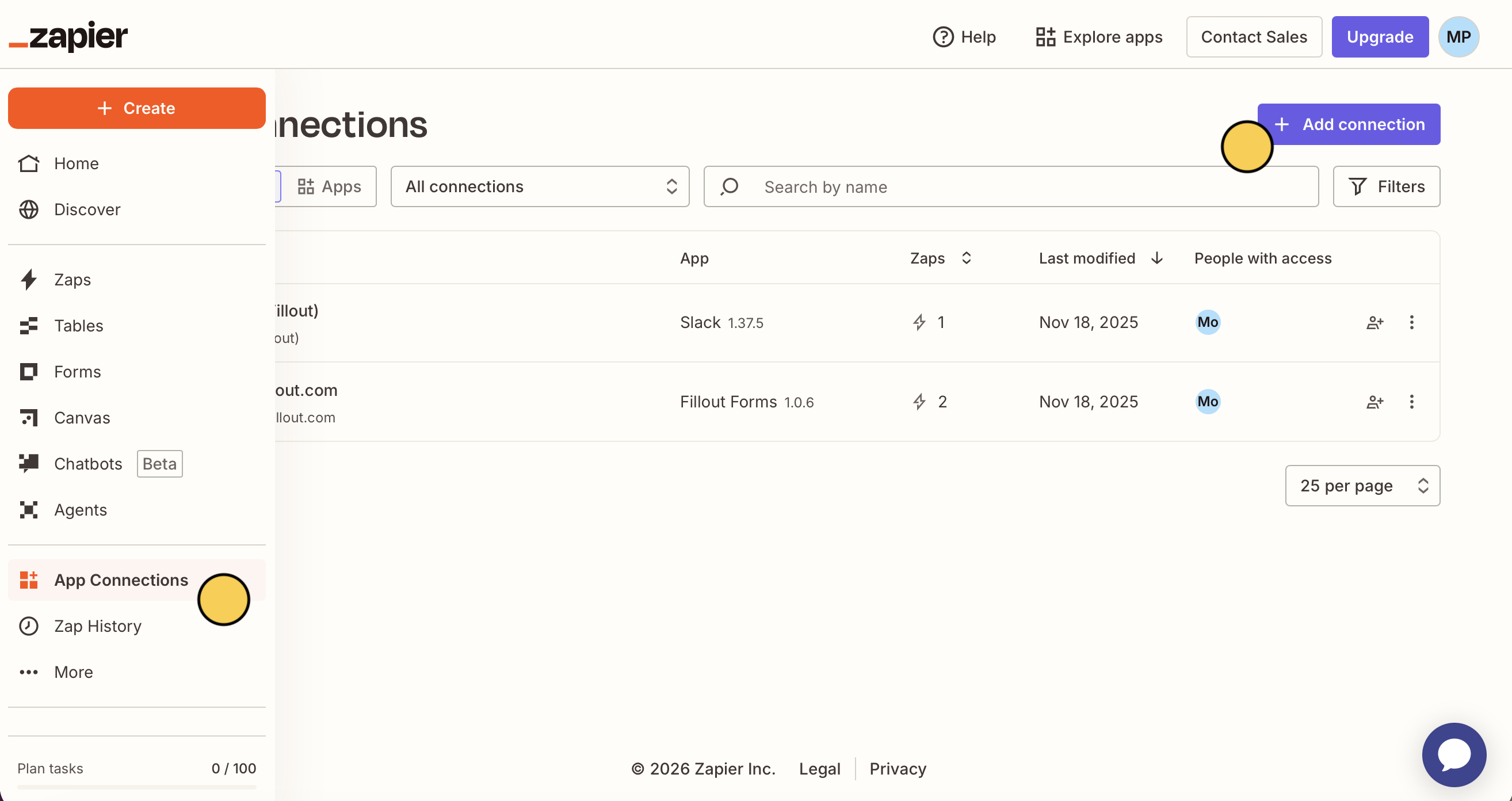
App Connections followed by + Add connection.Create a Zap
Use a pre-made Zap or create your own. Hover over the left-hand panel, and click 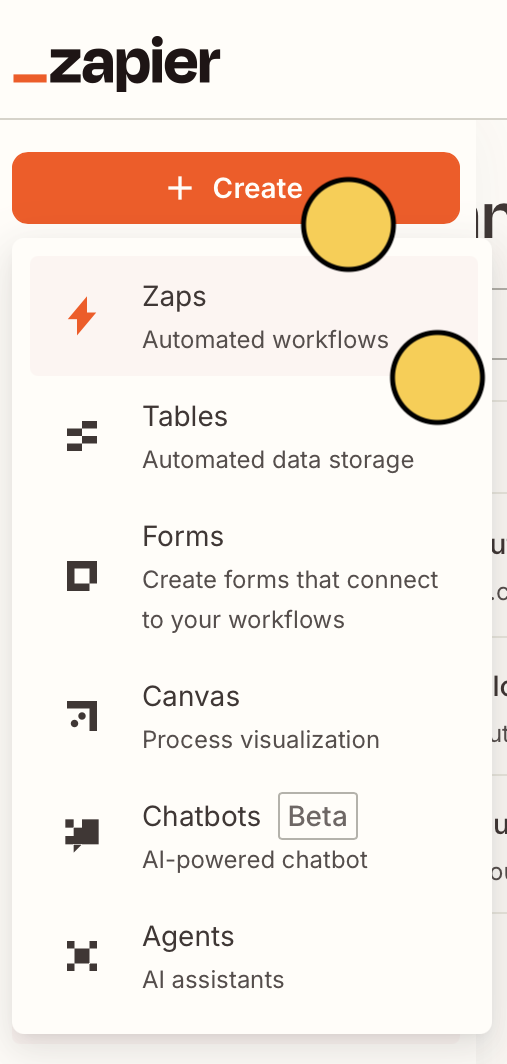
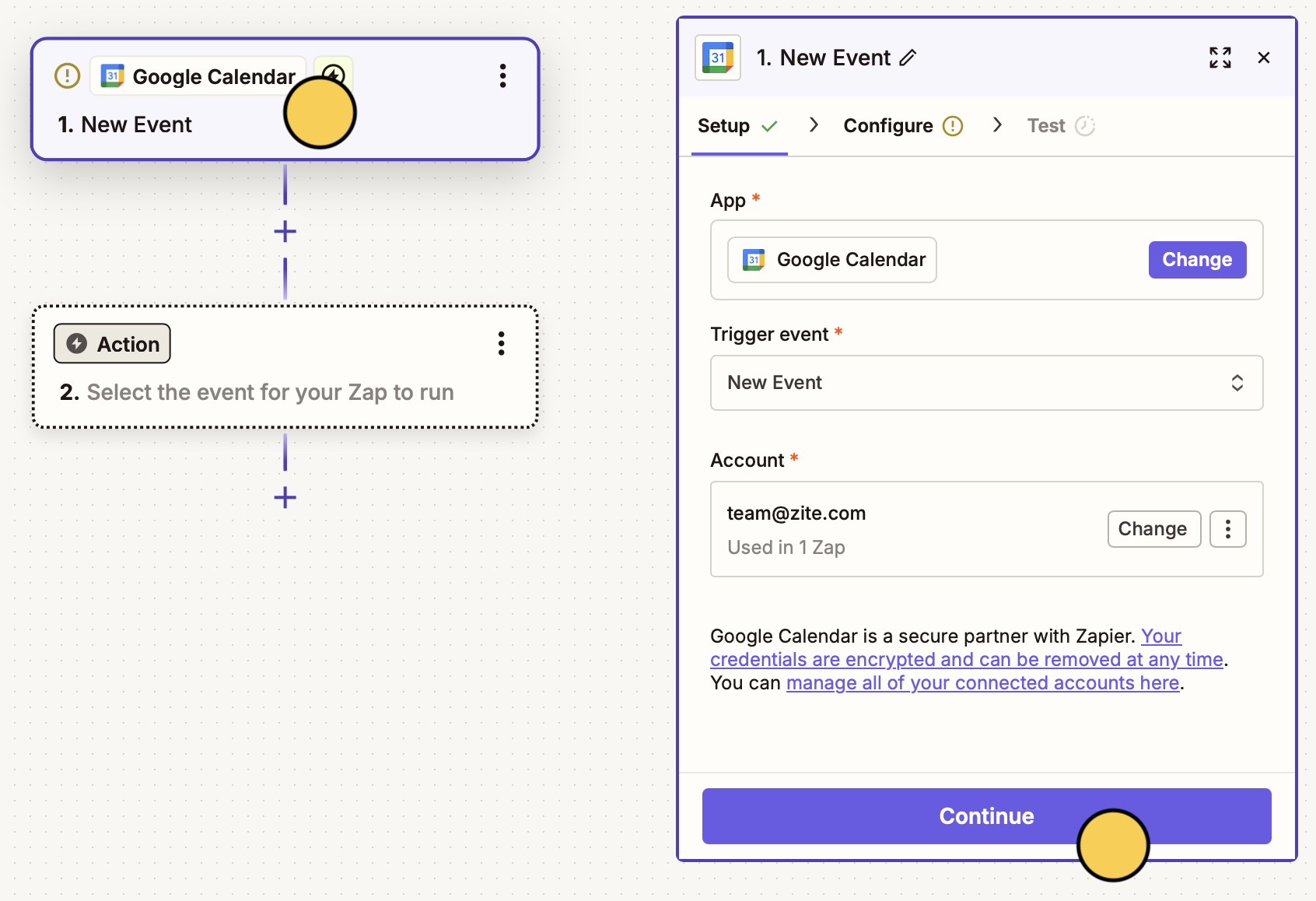
+ Create followed by Zaps. Select Zite as the trigger or action app.New event on our Google Calendar get added to our Zite database.Google Calendar is the trigger.Zite will create a New record in the database.Select your Database and Table
Choose the Base and Table you want to connect.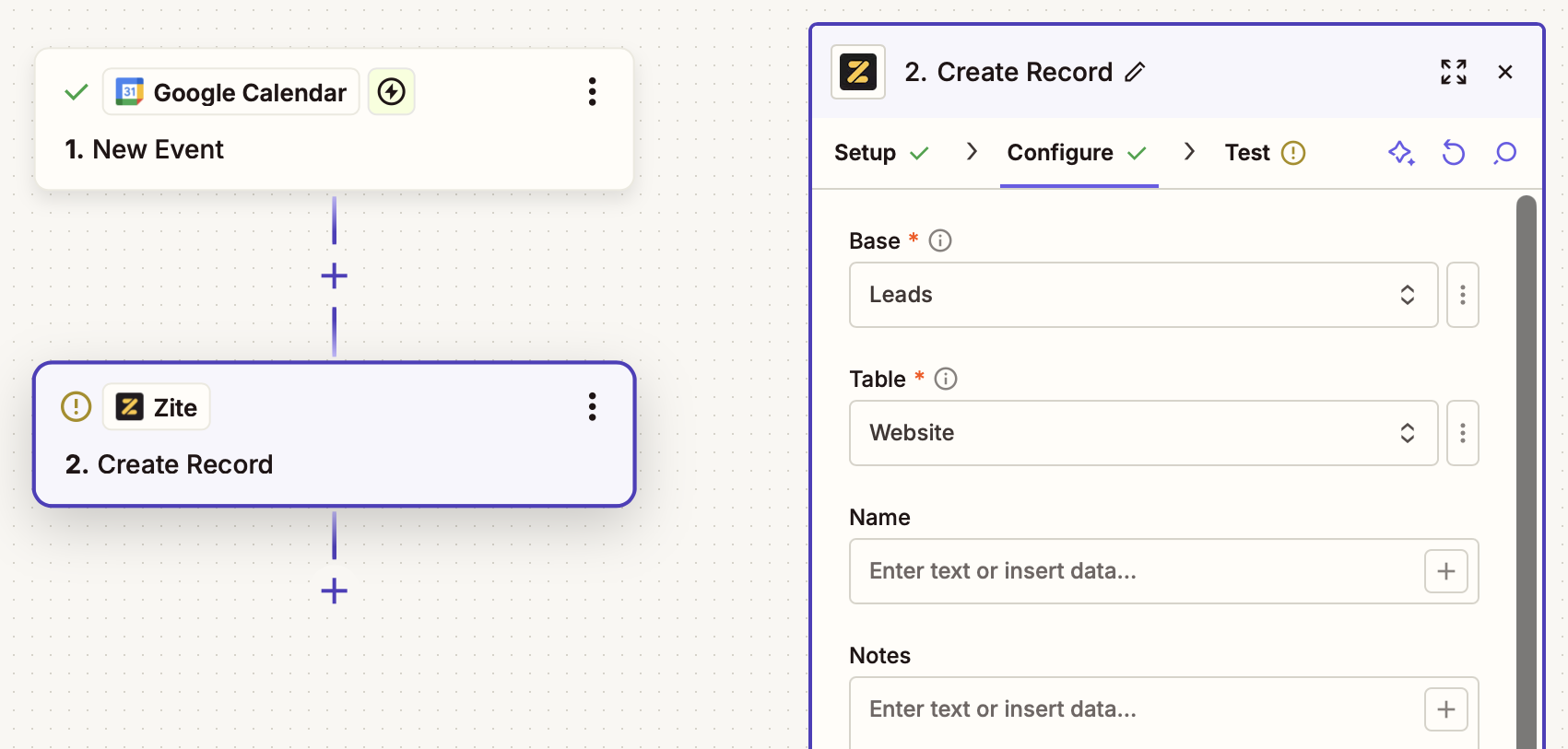
Triggers
Start a Zap when something happens in Zite:| Trigger | Description |
|---|---|
| New Record | Fires when a new record is created in a table |
| Updated Record | Fires when an existing record is updated |
| Deleted Record | Fires when a record is deleted from a table |
| New Table | Fires when a new table is created in a database |
| New Field | Fires when a new field is added to a table |
All triggers use webhooks for instant, real-time triggering—no polling delays.
Actions
Do something in Zite from another app:| Action | Description |
|---|---|
| Create Record | Creates a new record in a table |
| Update Record | Updates an existing record (only provide fields you want to update) |
| Delete Record | Deletes a record from a table |
| Create Table | Creates a new table in a database |
| Create Field | Creates a new field in a table |
Searches
Find data in Zite to use in your Zaps:| Search | Description |
|---|---|
| Find Record | Finds a record by exact field value match |
| Find Table | Finds a table by name (partial, case-insensitive) |
| Find Field | Finds a field by name (partial, case-insensitive) |
Common use cases
- New record notification: Get a Slack message when a new record is added
- CRM sync: Automatically create a Zite record when a new contact is added in your CRM
- Form to database: Store form submissions from any platform in Zite
- Email automation: Send an email when a record field reaches a certain status
- Spreadsheet backup: Copy new Zite records to a Google Sheet for backup
Related articles
Database Overview
Learn more about Zite Database.
Webhooks
Set up webhooks for real-time notifications.
API Reference
Use the Zite Database API.